Teams today use lots of tools to collaborate, create content, and get work done. But when they try to use those tools separately, it can take a lot of time and unnecessary effort to supply the right context—let alone bring that work back into Dropbox and share it with collaborators.
Millions of people and hundreds of thousands of teams trust Dropbox as a place to store, organize, and share their work. By streamlining that work into ChatGPT, it becomes easier to bring the right context into your conversations and get answers that are more relevant, useful, and actionable.
To keep teams moving quickly, today we’re introducing three new Dropbox apps in ChatGPT: a Dropbox app, a Dropbox Dash app, and a Reclaim AI calendar app. Together, these apps make it easier to access your work, bring the right context into your AI conversations, and complete tasks directly in ChatGPT.
Whether you’re working with files, searching for answers across your tools, or coordinating time on your calendar, these three new apps help you move work forward without interrupting your flow.
Dropbox app in ChatGPT
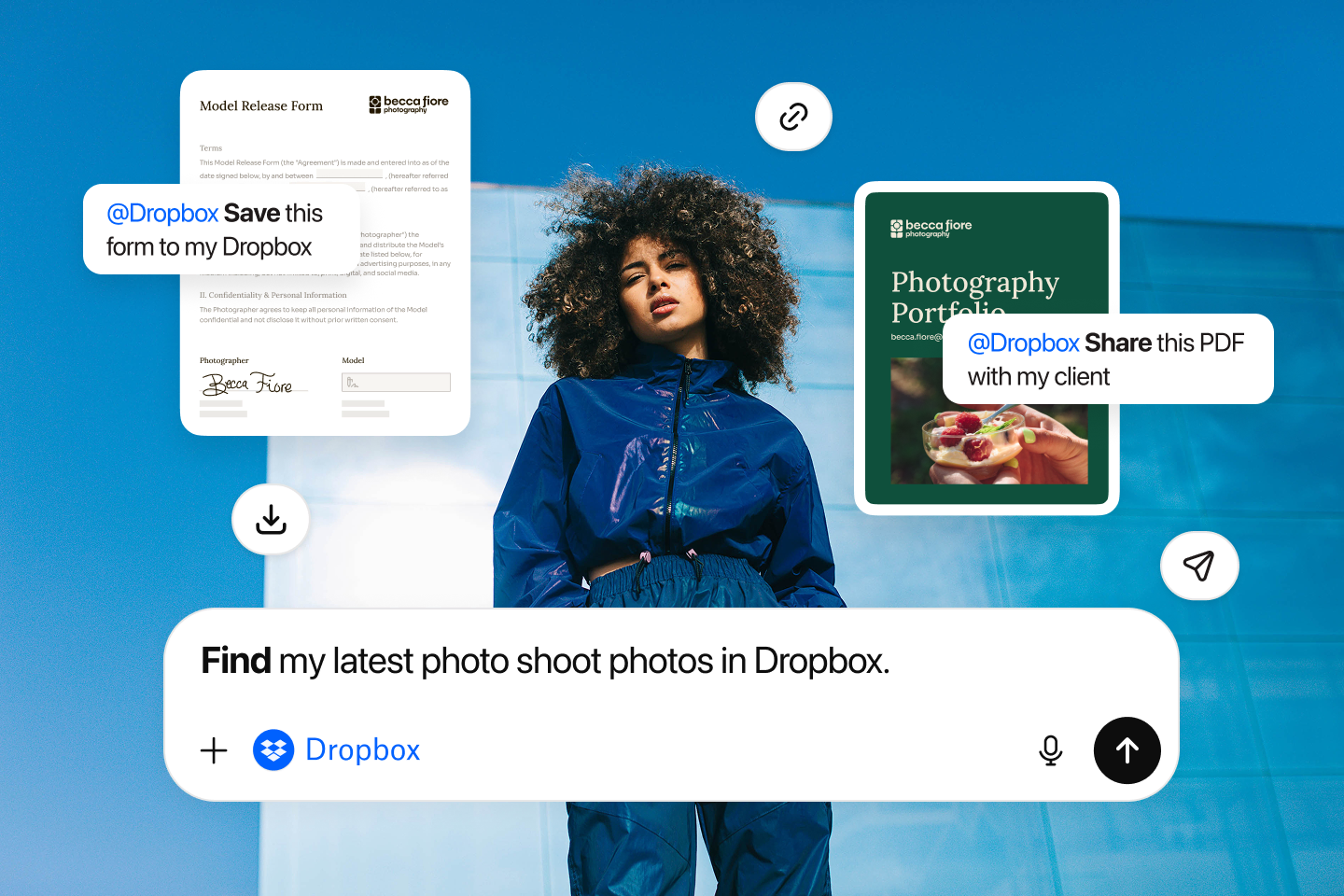
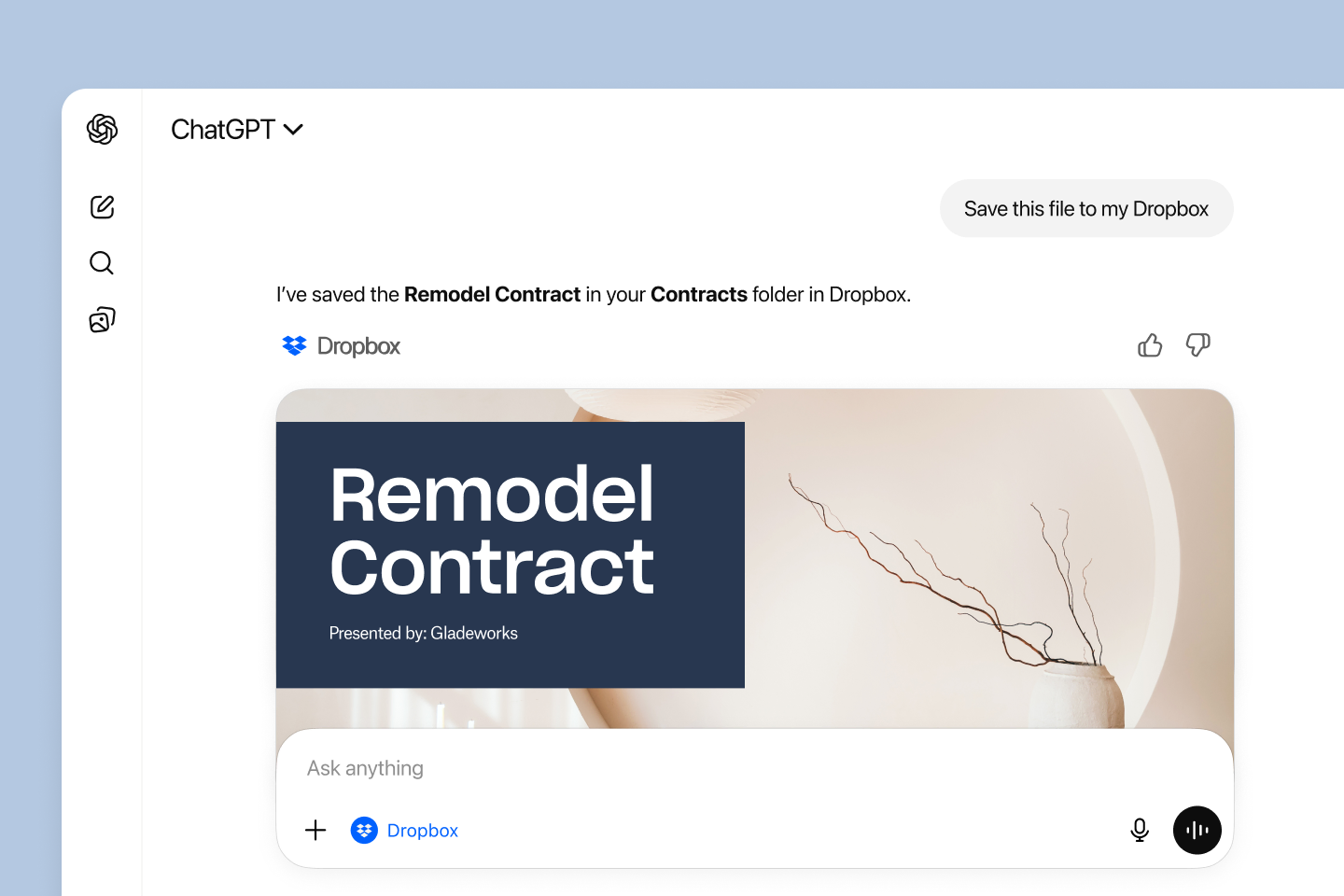
With the Dropbox app in ChatGPT, you can easily access and preview your Dropbox files, save AI-generated content directly to Dropbox, and share links to your work without leaving ChatGPT. That means no more manually uploading files or copying and pasting between documents.
ChatGPT can even reference relevant files already stored in your Dropbox account to help generate drafts and answer questions, so you always have the context you need without switching tools. And because your Dropbox sharing permissions and access controls stay the same whether your work starts or ends in ChatGPT, you can trust that whatever you store in Dropbox will remain secure.
The Dropbox app in ChatGPT is available globally and can be used by Dropbox customers on any plan.
Dropbox Dash app in ChatGPT
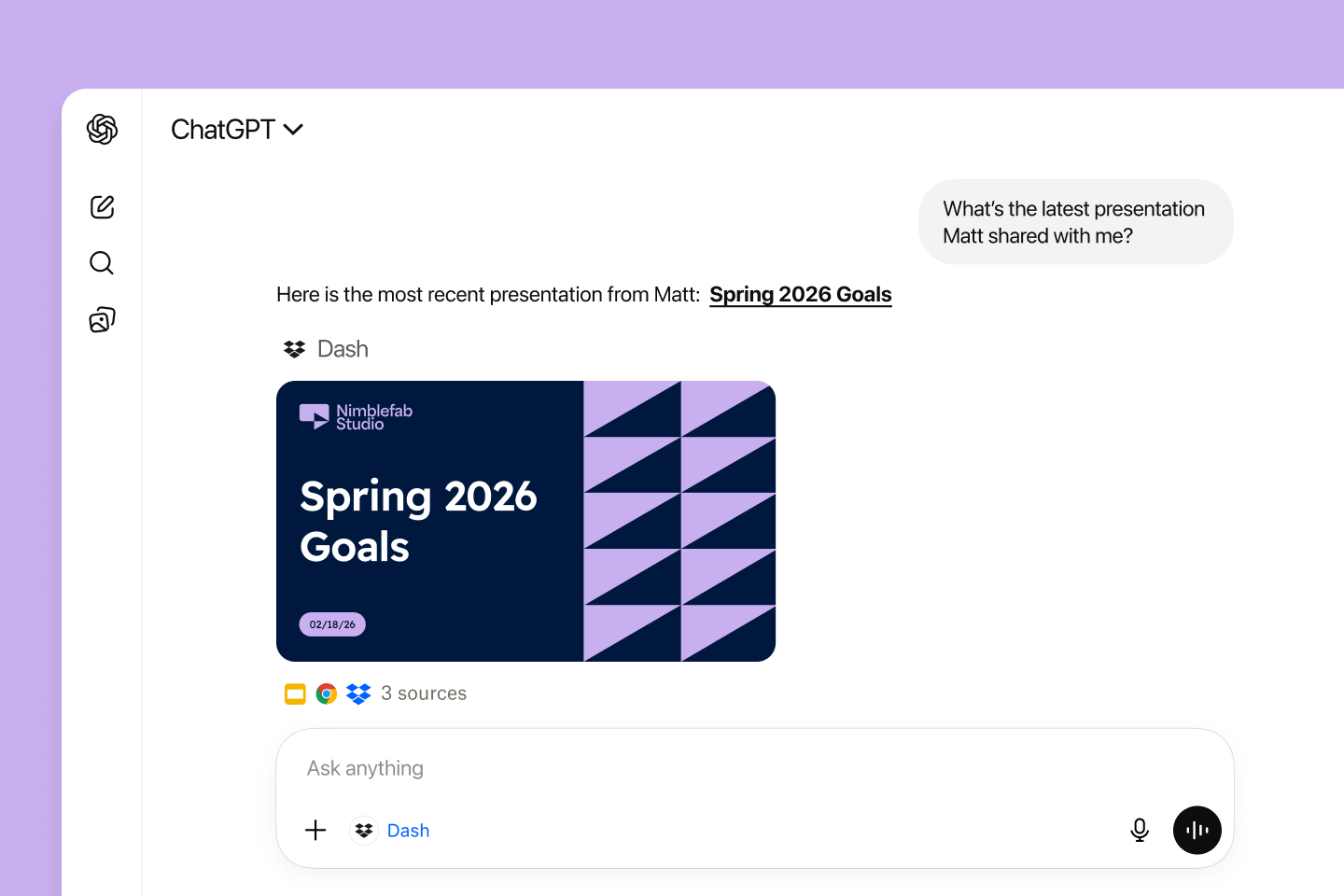
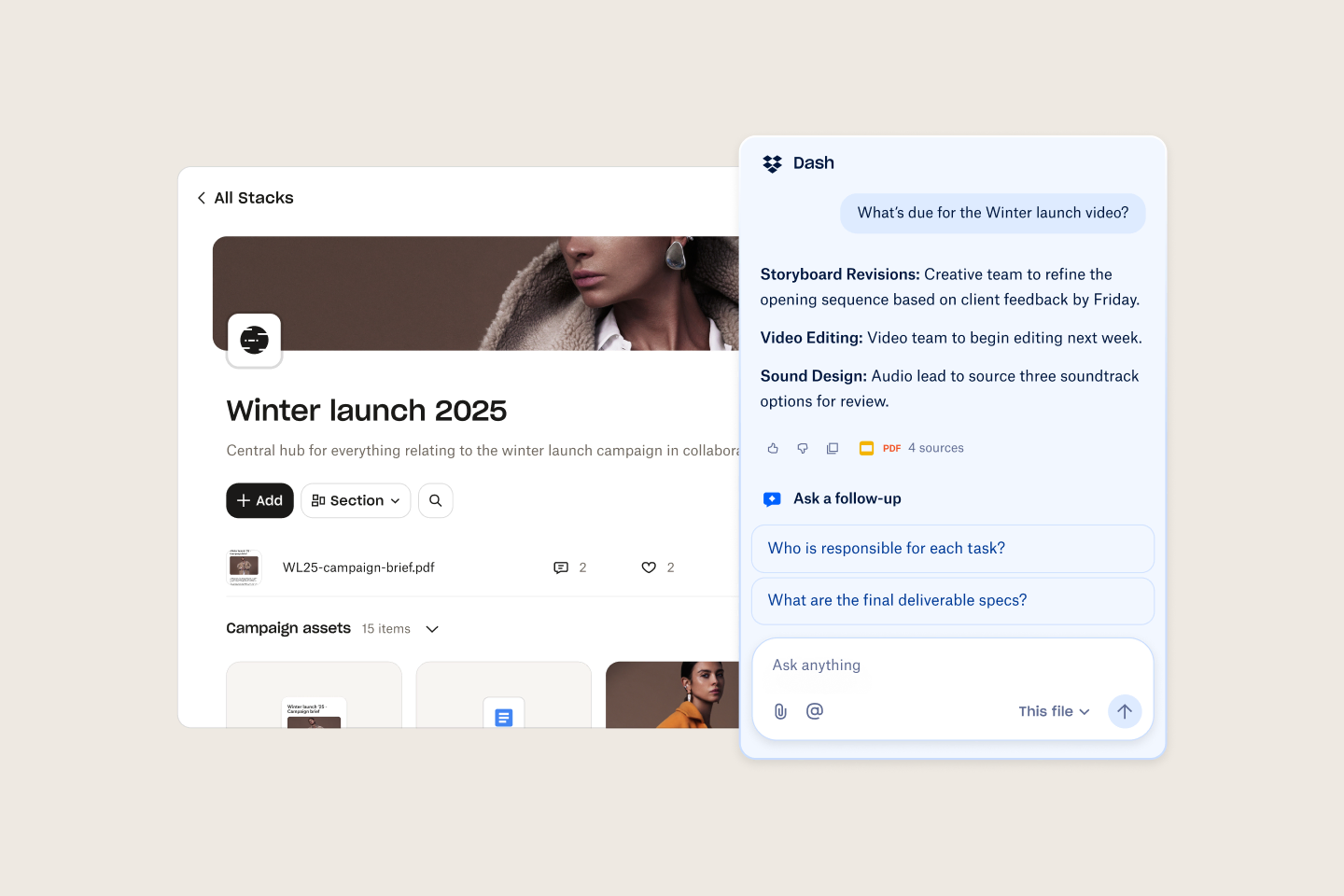
Dropbox Dash already brings content from more than 30 workplace apps into one, secure place for your company knowledge. But with the Dropbox Dash app in ChatGPT, you can also bring that knowledge directly into your conversations in ChatGPT.
Now, when you ask a question in ChatGPT, it can quickly surface the right answer using context from across your connected work apps, with results that are more personalized to you. That’s because Dash has context about you, your content, and your team.
With this richer context, the Dropbox Dash app in ChatGPT helps users surface more helpful, relevant, and actionable answers without leaving your current chat. And because Dash, like Dropbox, respects existing permissions and access controls, your connected content is always secure.
The Dropbox Dash app in ChatGPT will be available in the coming weeks for existing Dash customers. New users can try a free 30-day trial.
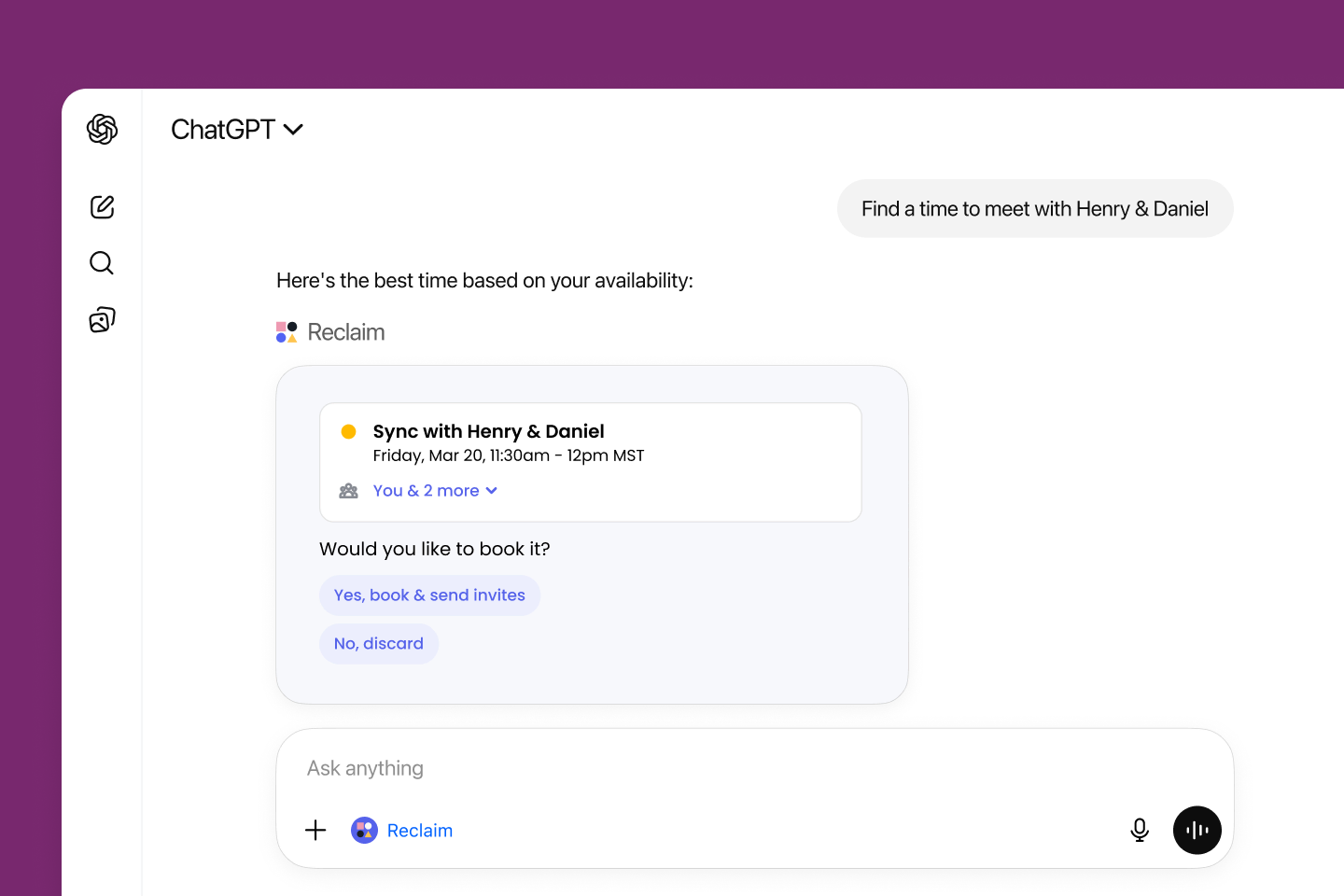
Reclaim AI calendar app in ChatGPT
The Reclaim AI calendar app in ChatGPT makes it even easier to plan, manage, and optimize your calendar in Google Calendar or Microsoft Outlook. Instead of the back-and-forth of manual scheduling, now you can just use the Reclaim AI calendar app in ChatGPT for help. You can add events, find time for meetings, resolve conflicts, analyze your productivity, search contacts, and even understand what your day looks like—all within your existing conversation.
The Reclaim AI calendar app in ChatGPT is available globally in English to customers who are using the latest version of the Reclaim AI calendar system.
To download the latest apps, visit the ChatGPT app directory.
To learn more, visit our Help Center.
The Author


.png/_jcr_content/renditions/DP-blog-1080x1080%20(1).webp)