Dropbox and Microsoft expand partnership: Our Windows 10 app is here
Published on January 21, 2016
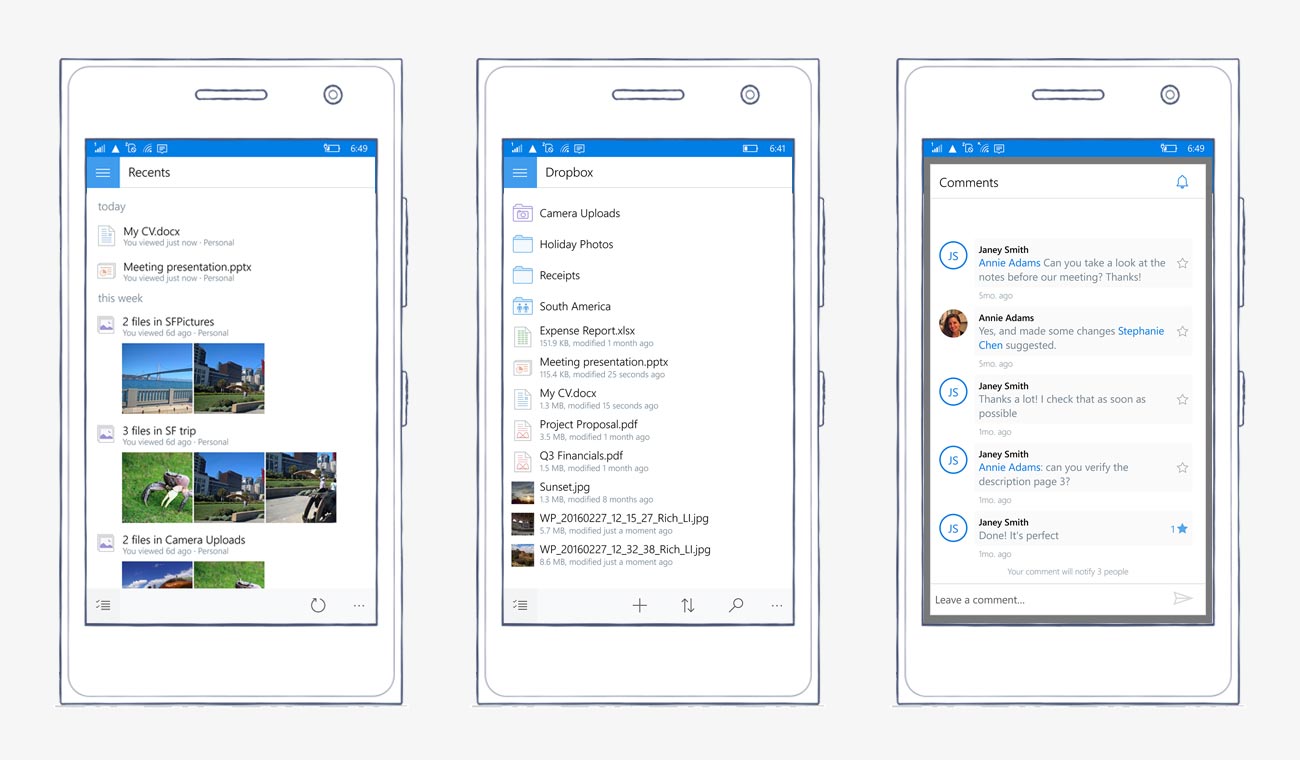
Update (March 7, 2016): We've updated our Windows 10 app with support for mobile devices, along with new features for previewing files, sharing links, and more.
We've also added support for Windows Continuum, which lets you connect your phone to a mouse, keyboard, and external display for PC-like productivity. For more details on Continuum, visit the
Microsoft website.
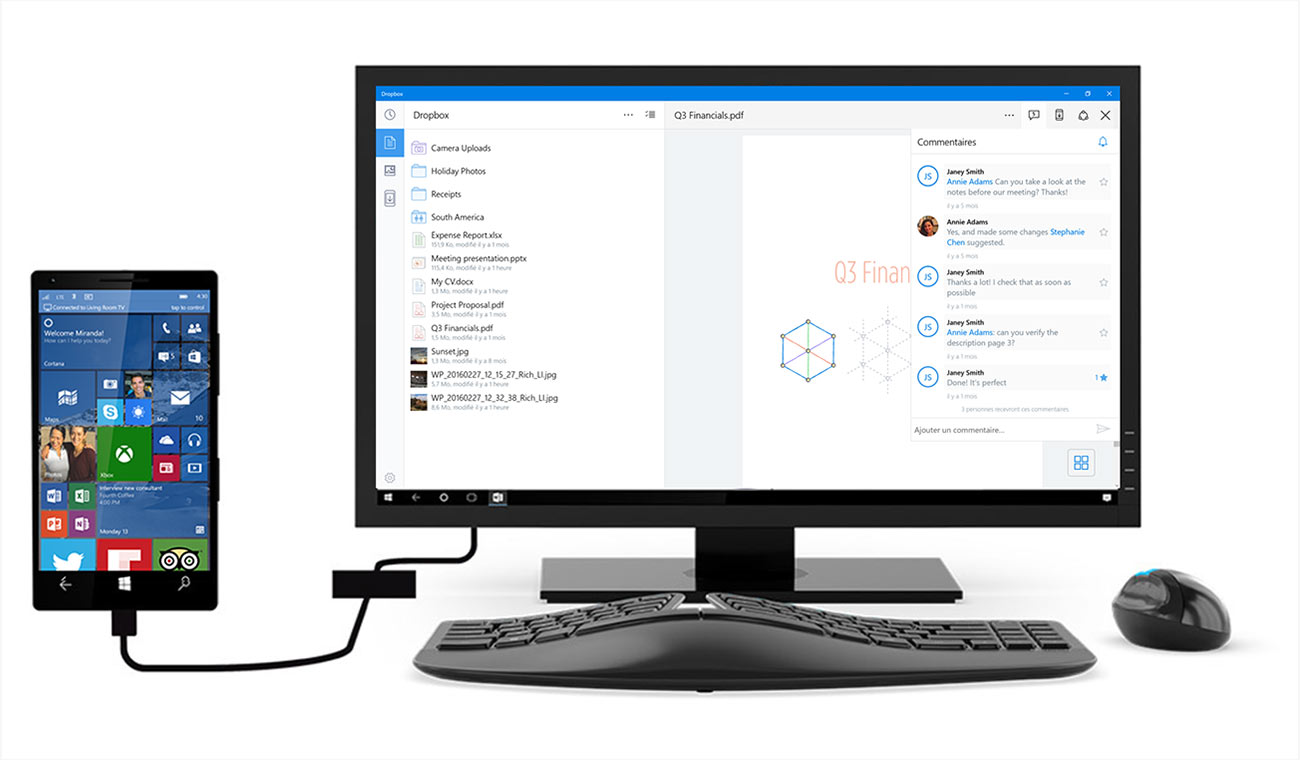
To get our updated Windows 10 app, visit the
Windows Store.
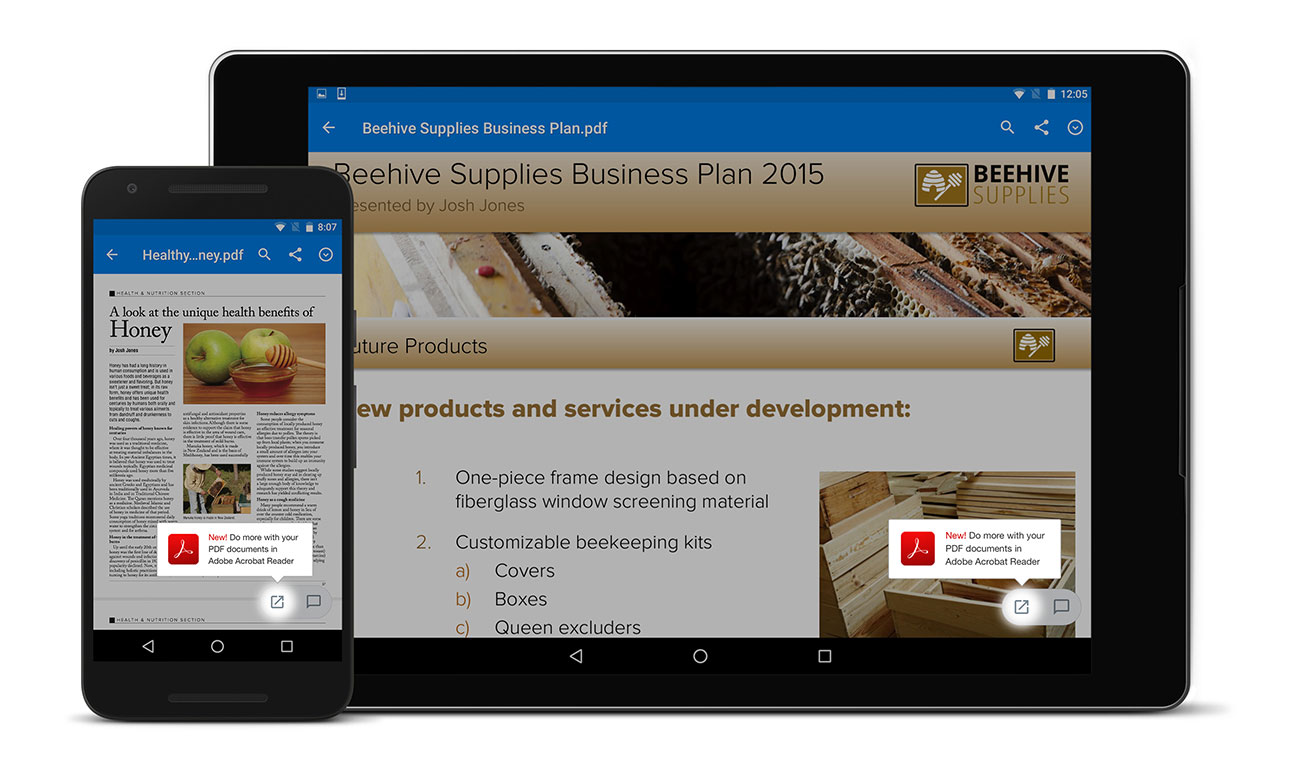
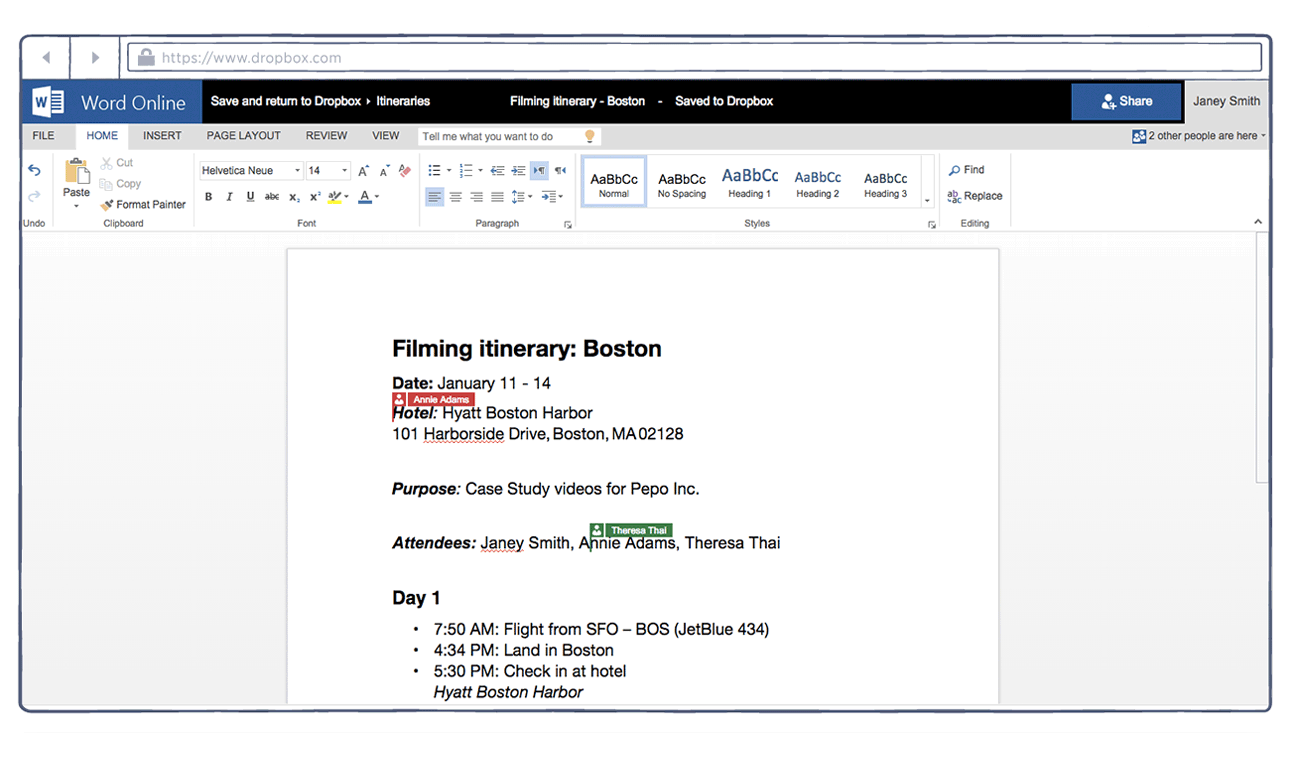
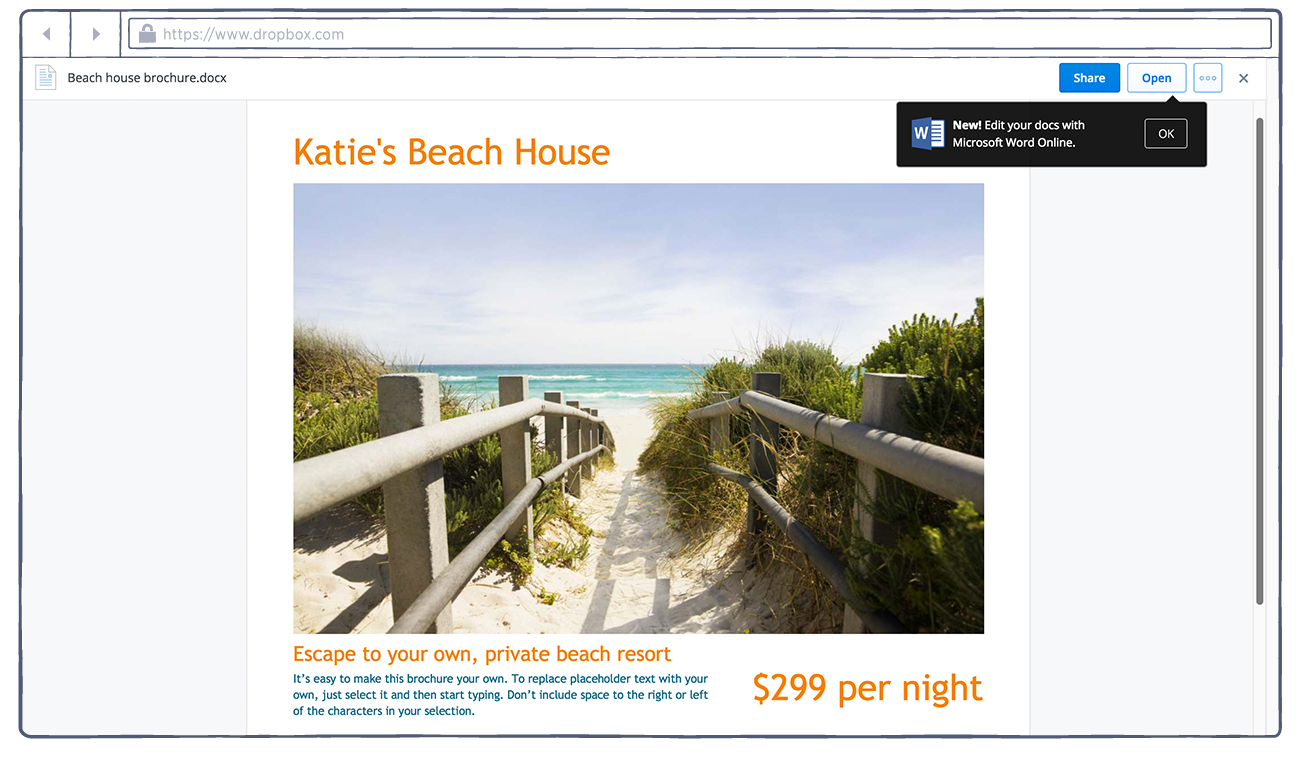
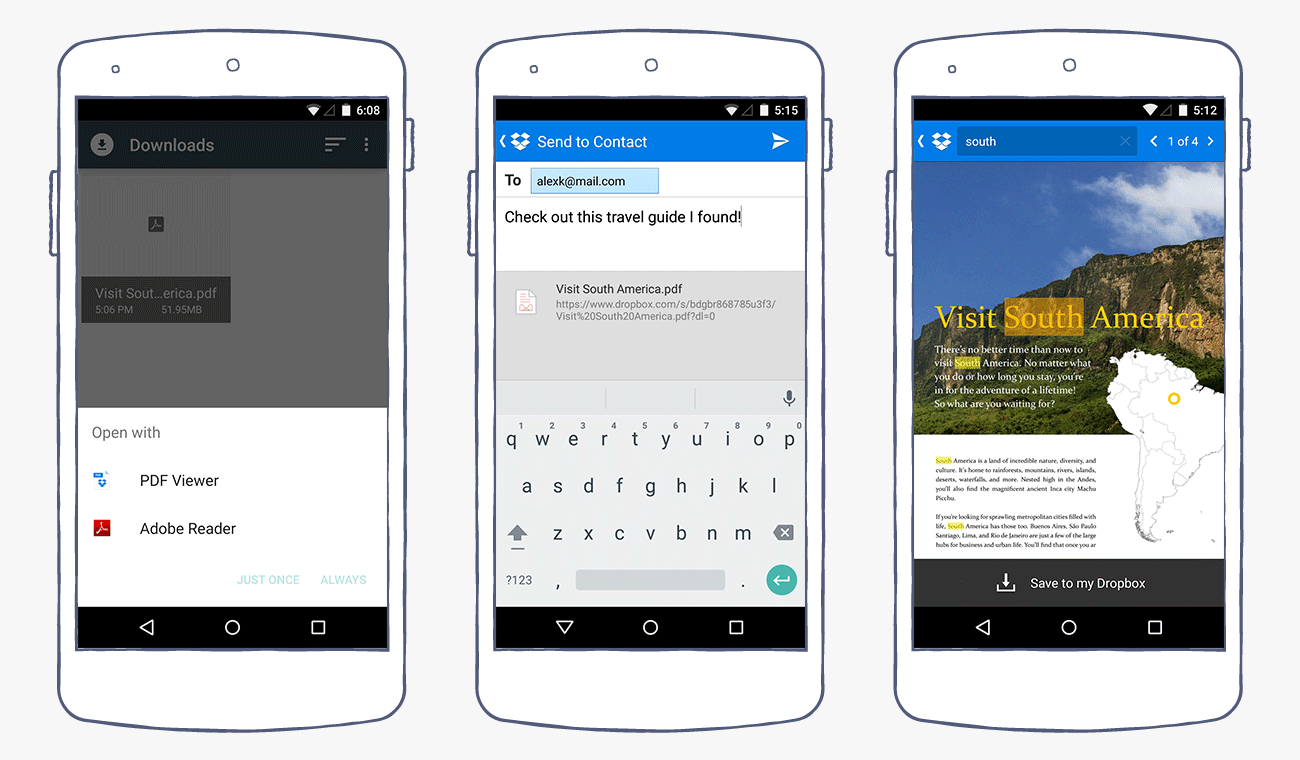
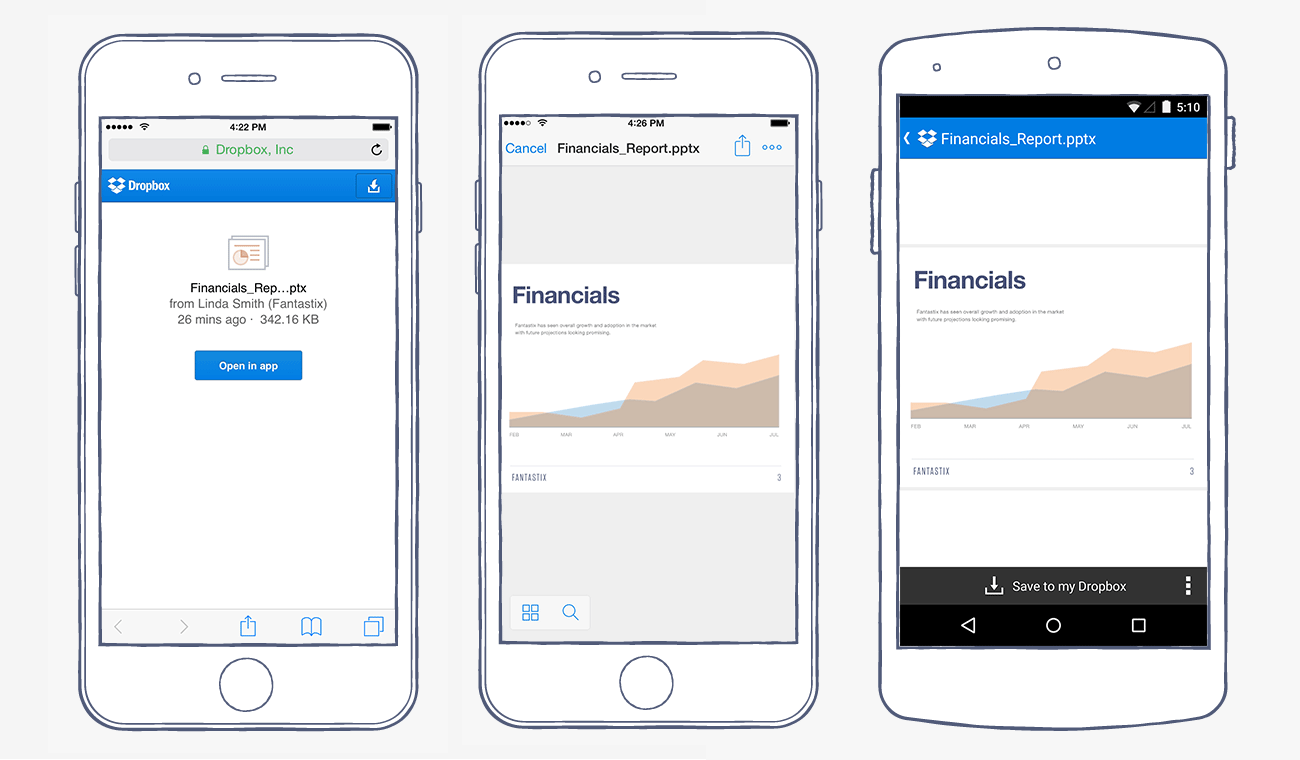
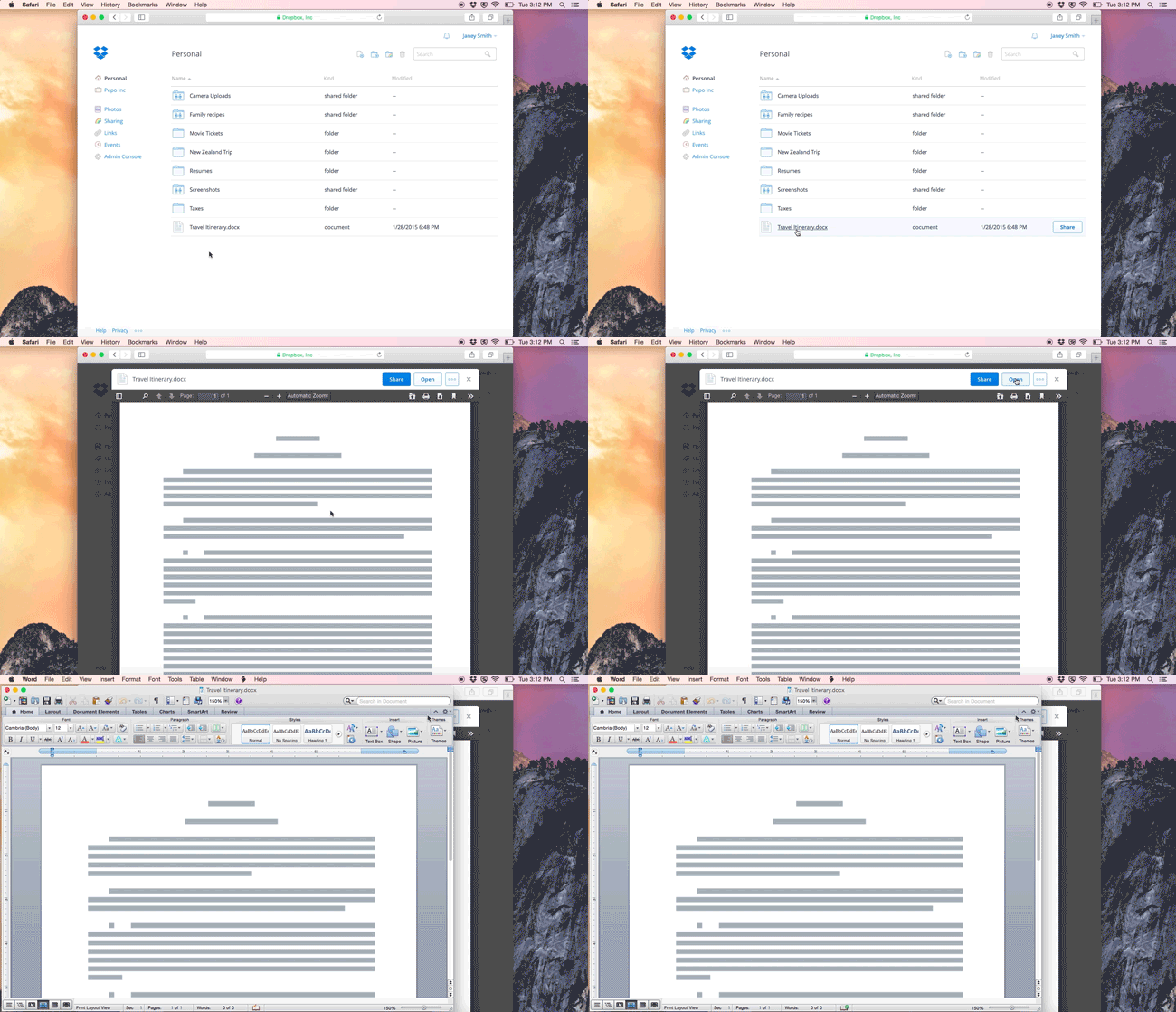
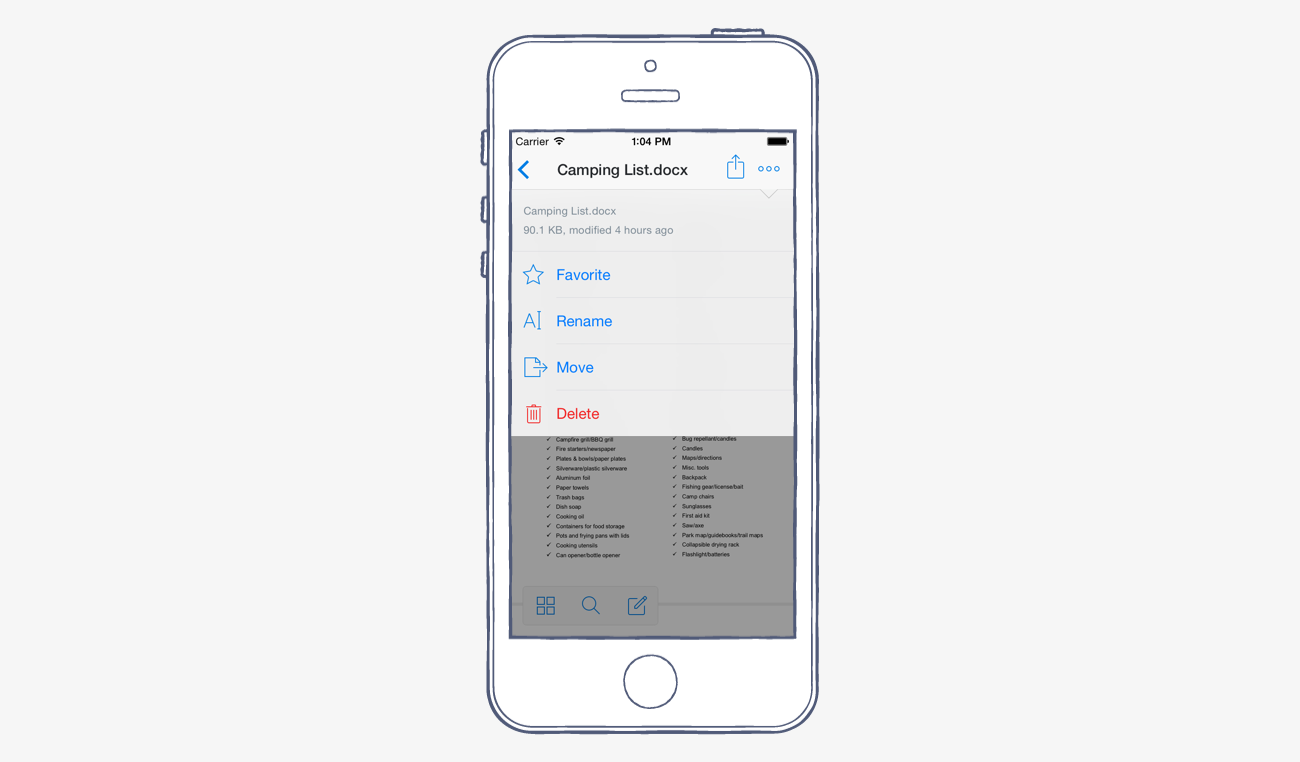
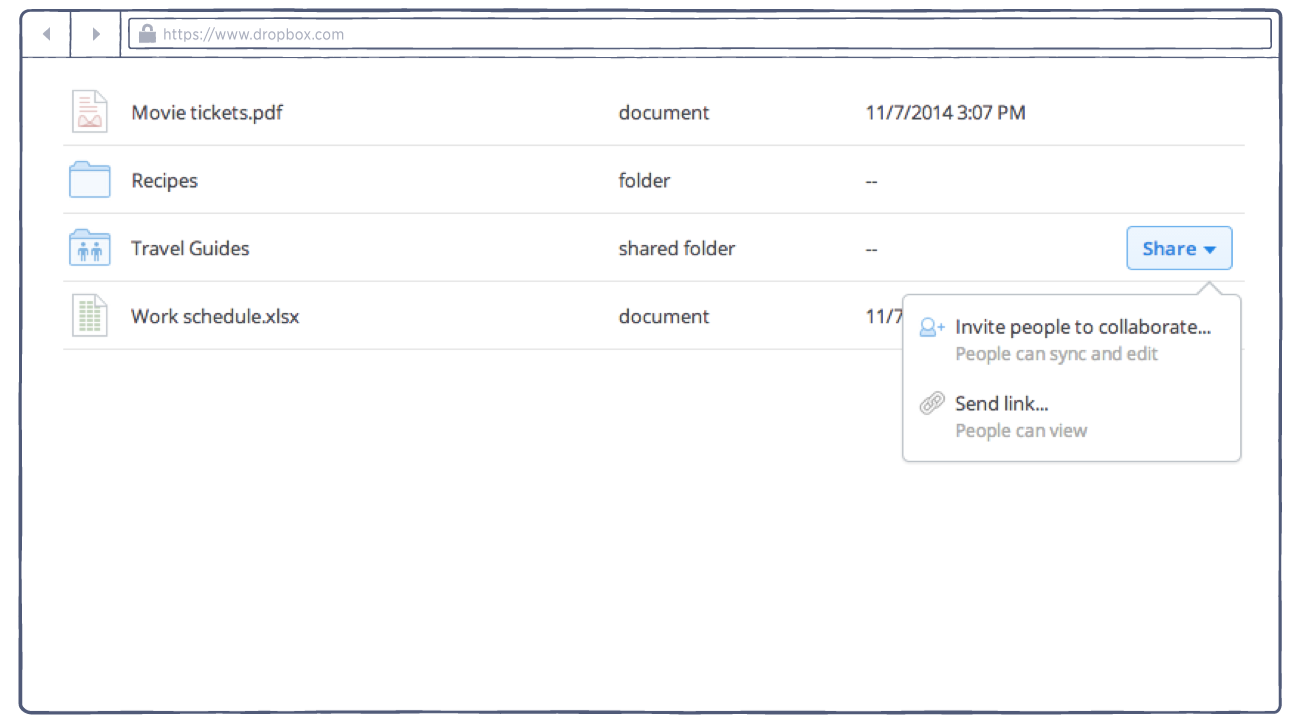
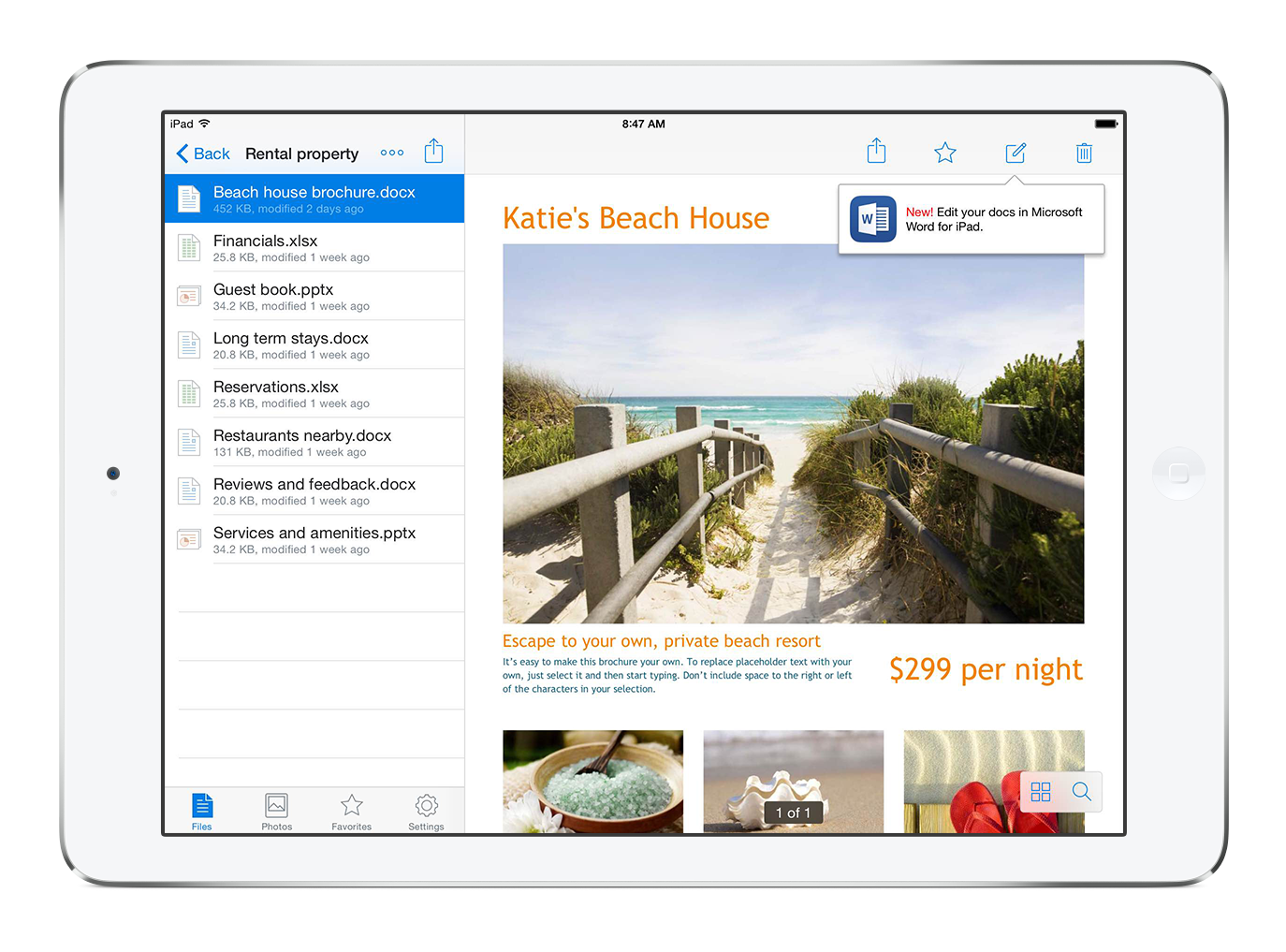
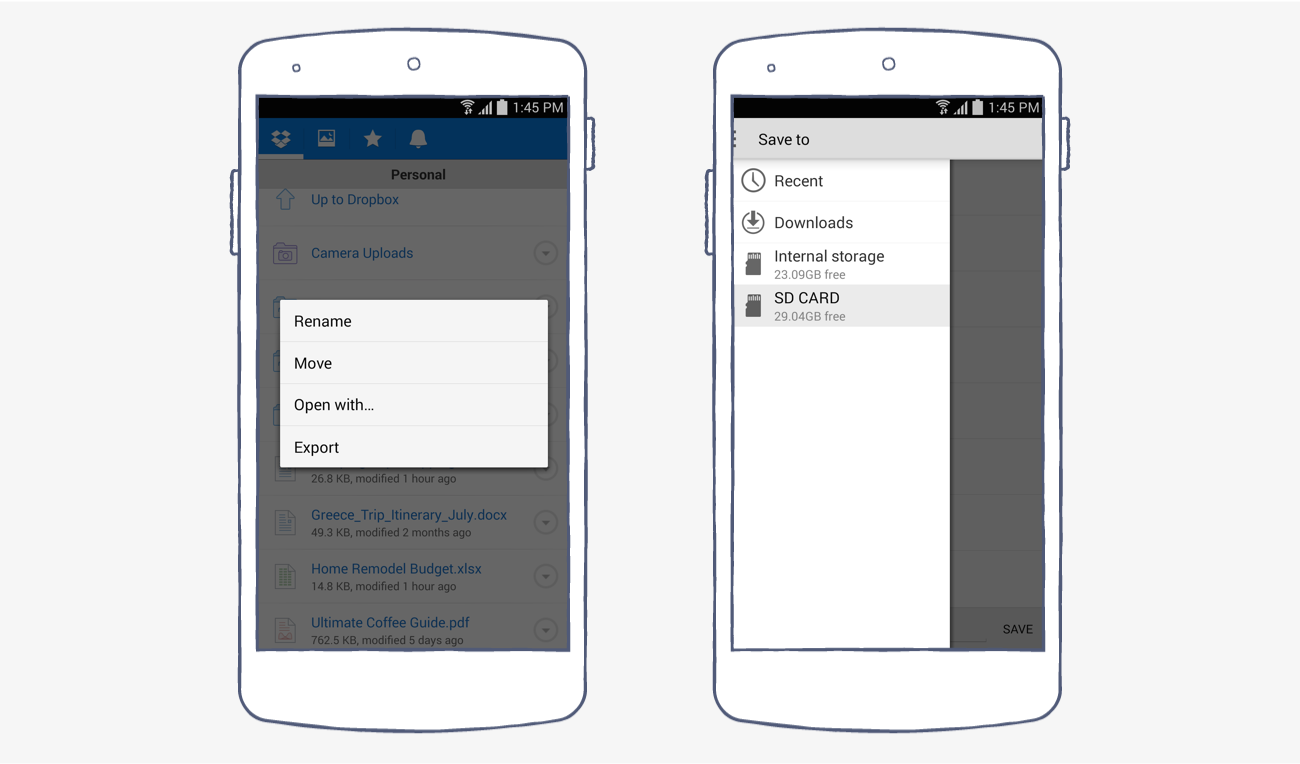
In 2014, we partnered with Microsoft to help you get more work done on the go. To date, our partnership has enabled more than 17 million people to do just that. With the Dropbox and Microsoft integrations on web and mobile, it’s easy to access, edit and share Office files anytime and on any device—so you’re free to be productive anywhere.
"Microsoft is excited to partner with Dropbox to bring more cloud storage and productivity services to Windows 10 across PC and tablets. With the arrival of Dropbox, Windows 10 fans have easy and convenient access to photos, documents, and files anytime, anywhere." Steve Guggenheimer, Corporate Vice President of Developer Platform & Evangelism and Chief Evangelist, Microsoft
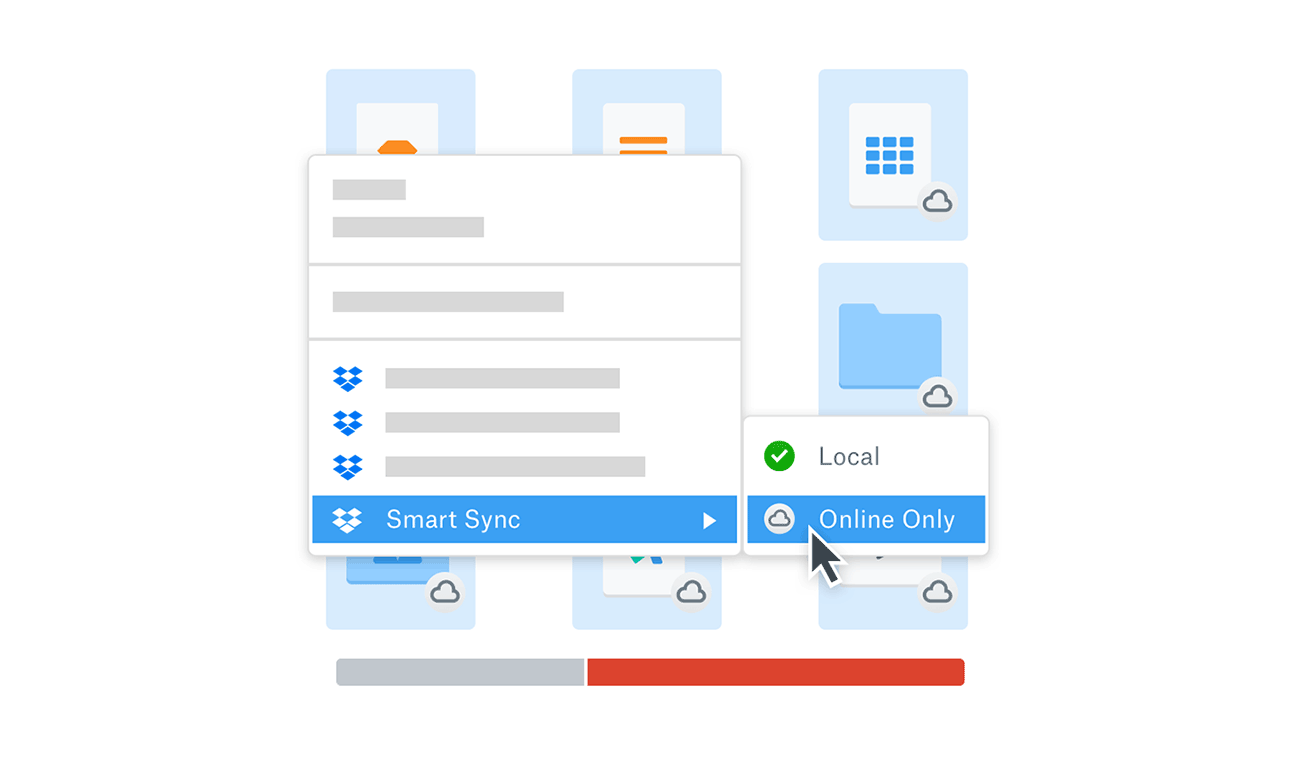
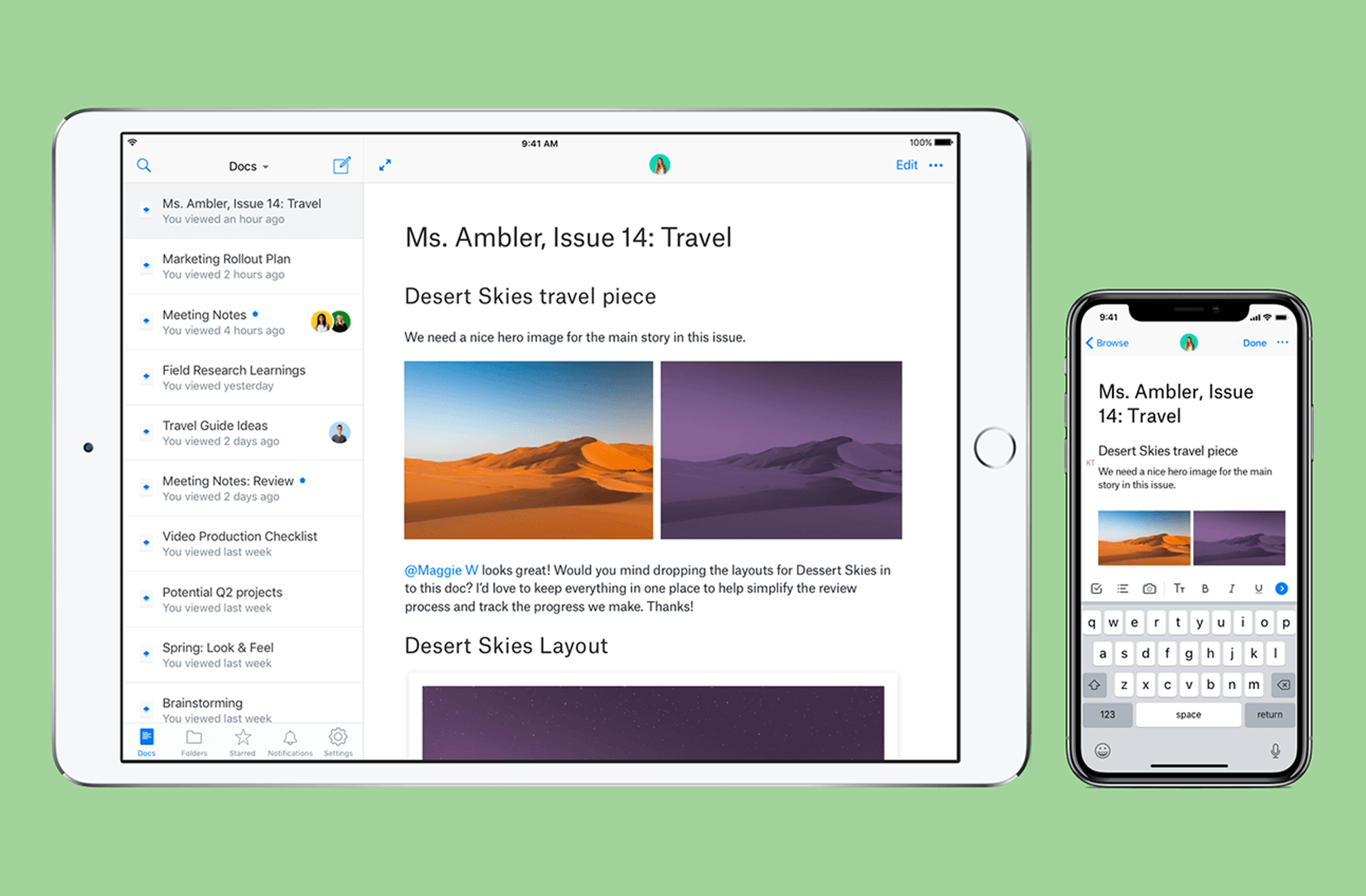
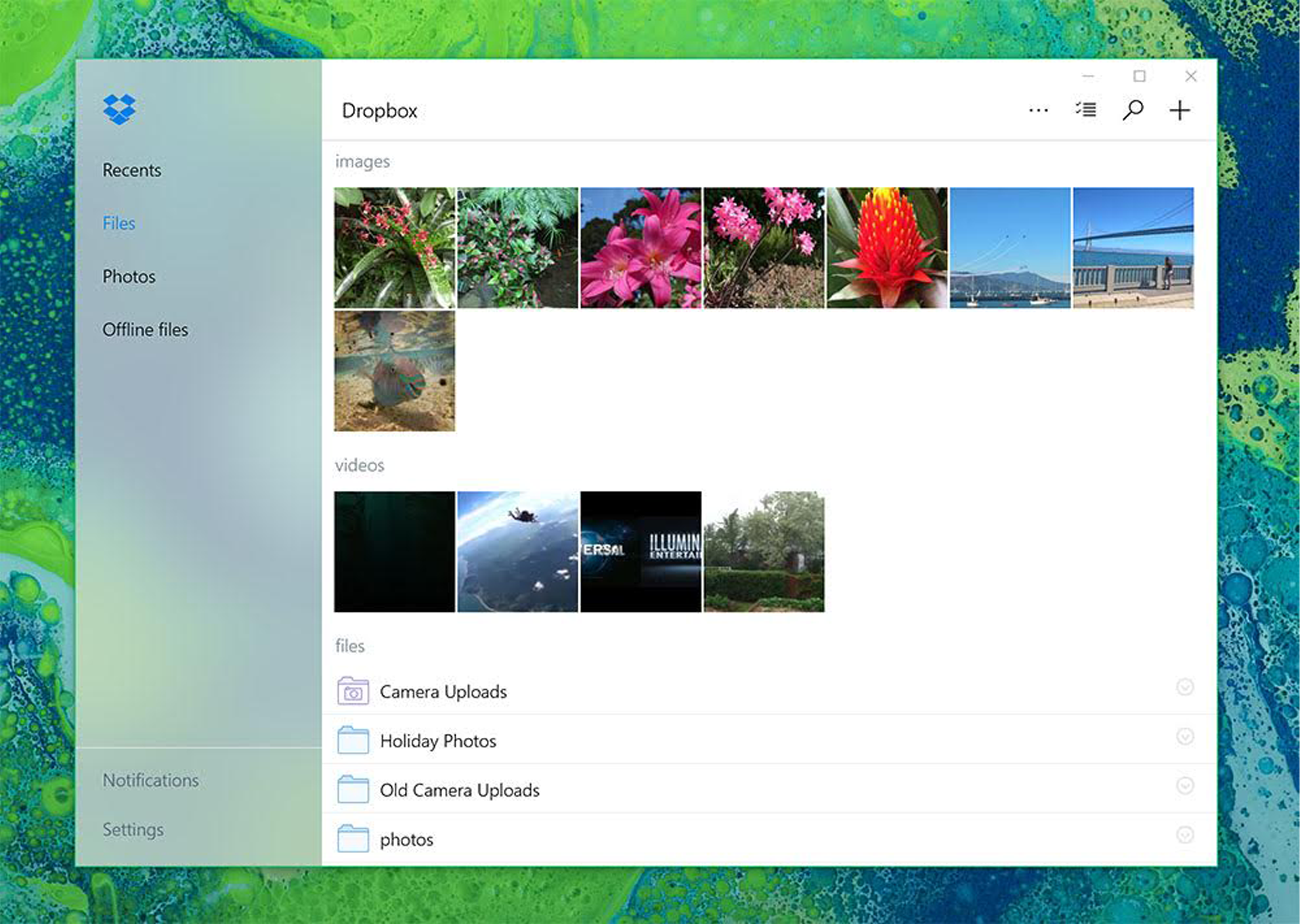
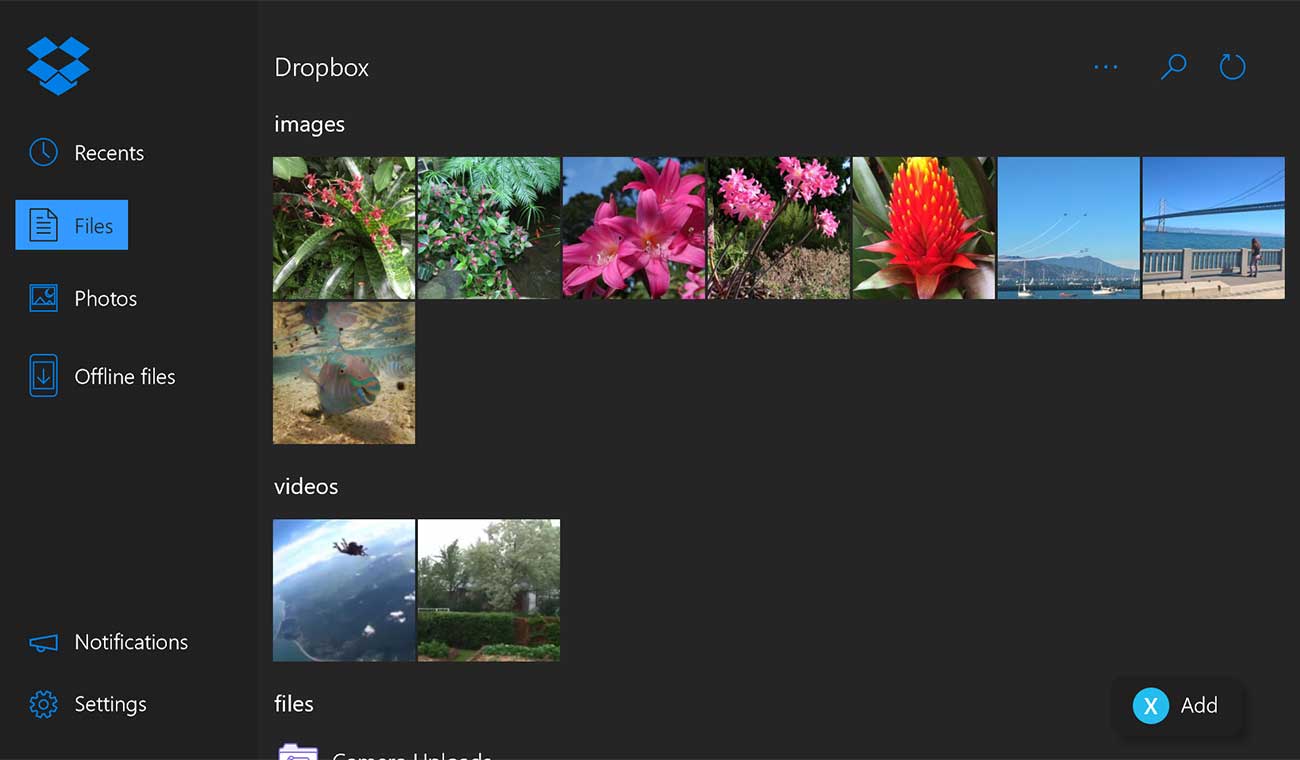
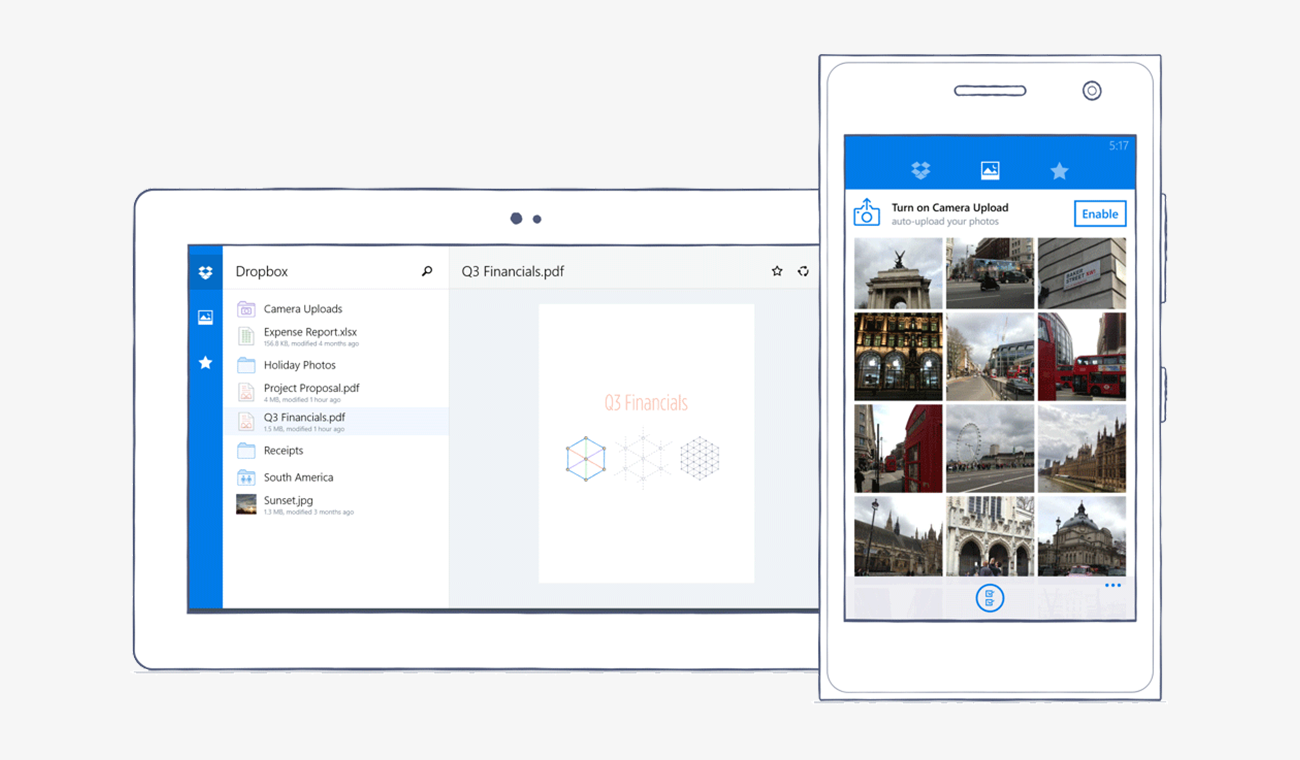
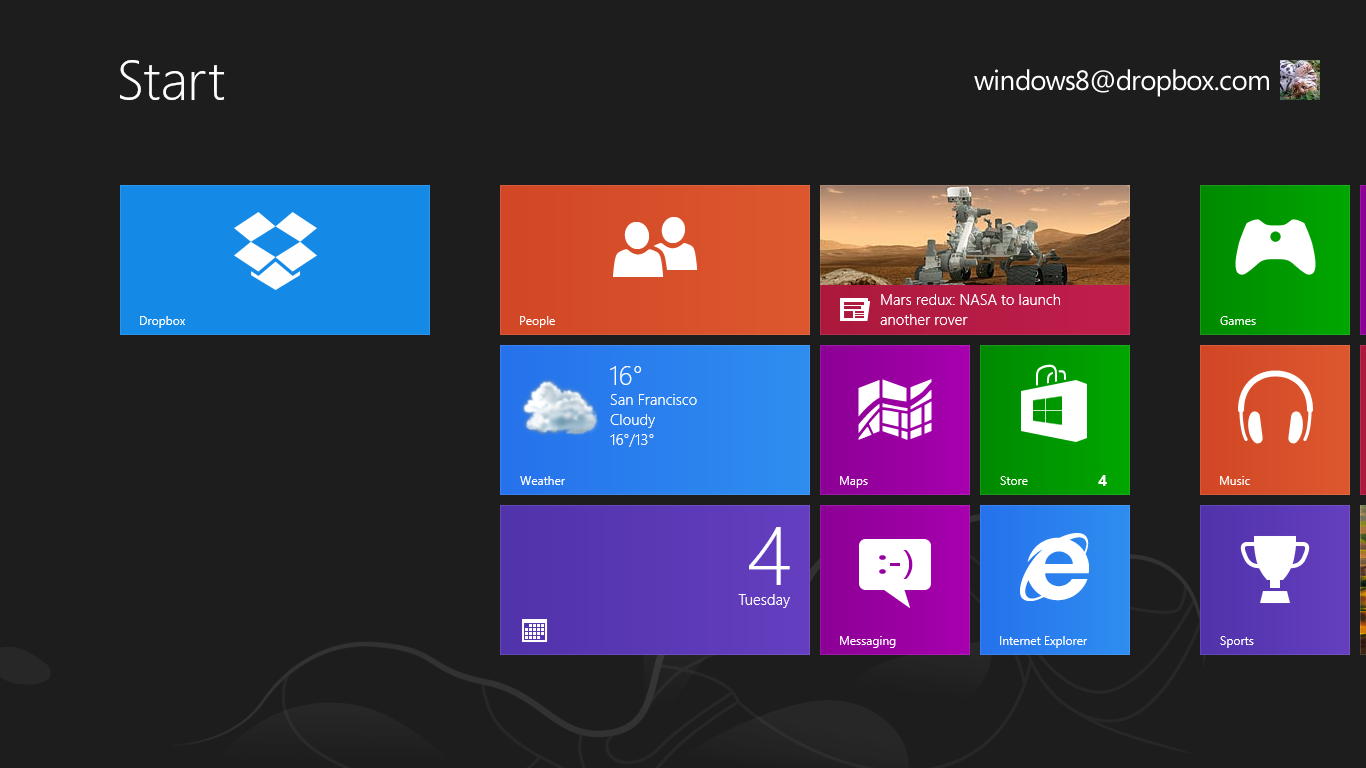
Today, we’re expanding our partnership to help users work however and wherever they want with our Dropbox app for Windows 10. Available in the Windows Store in the next few days, our new app comes with features unique to Dropbox that let you do more on your Windows 10 tablet or PC. With the app, you can:
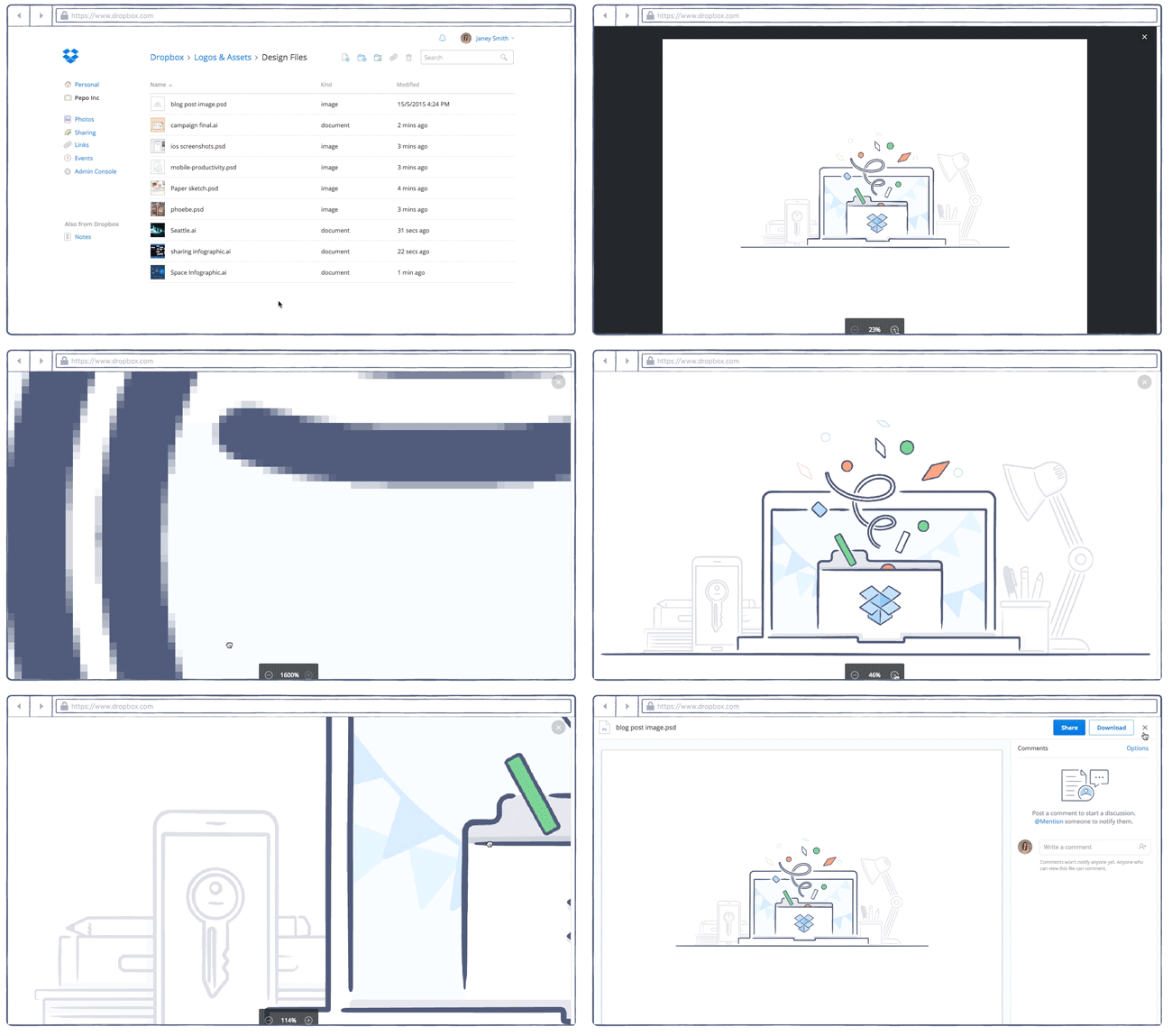
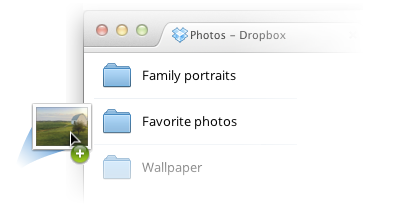
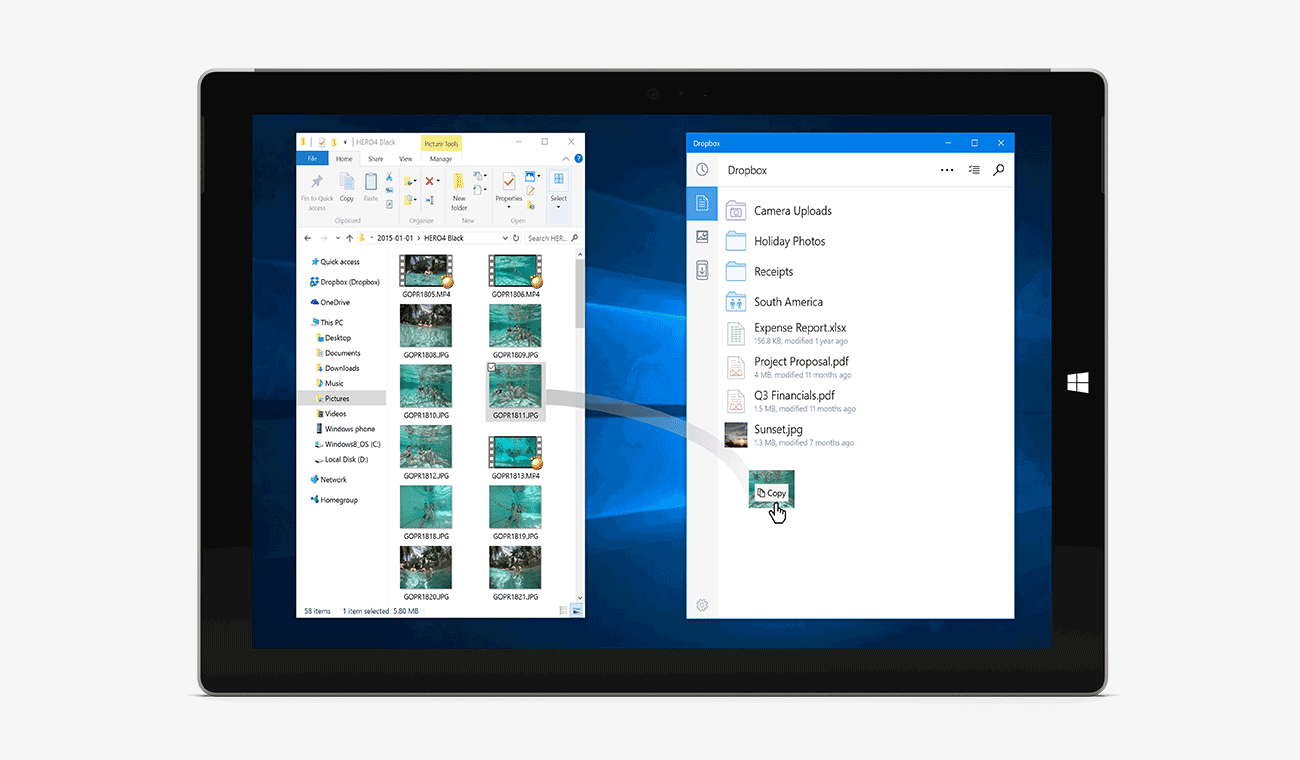
- Drag and drop files into the Dropbox app from Windows File Explorer—and even between folders within the app—to easily move or copy them
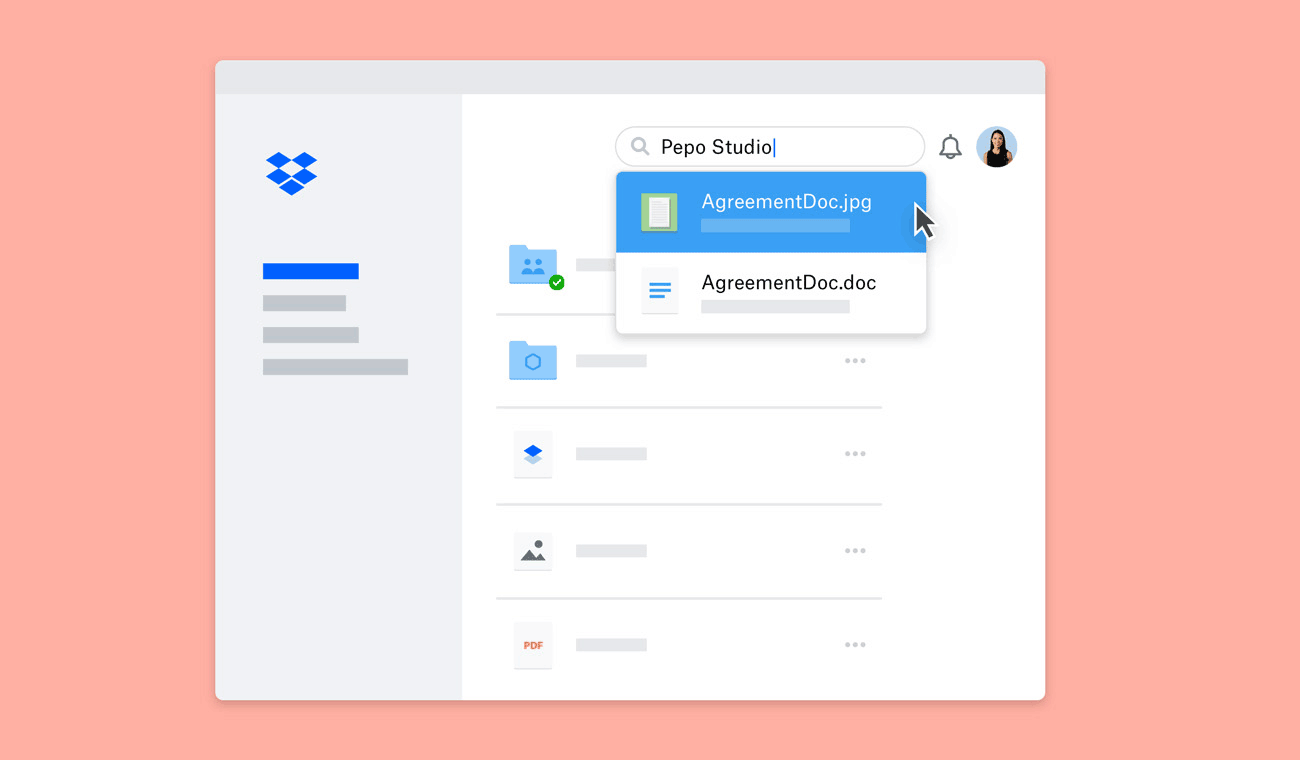
- Use Quick Search to find what you need faster. Just start typing a search term to see your results—no need to use the search icon
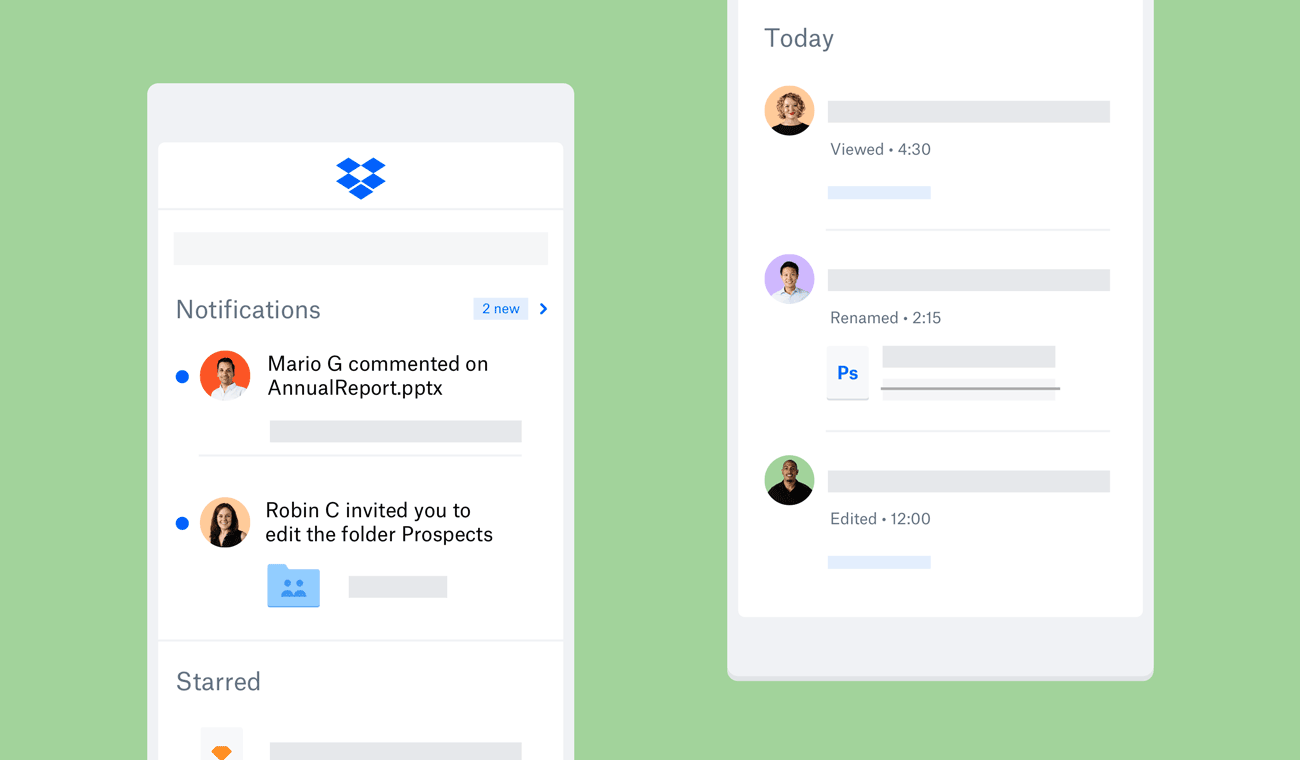
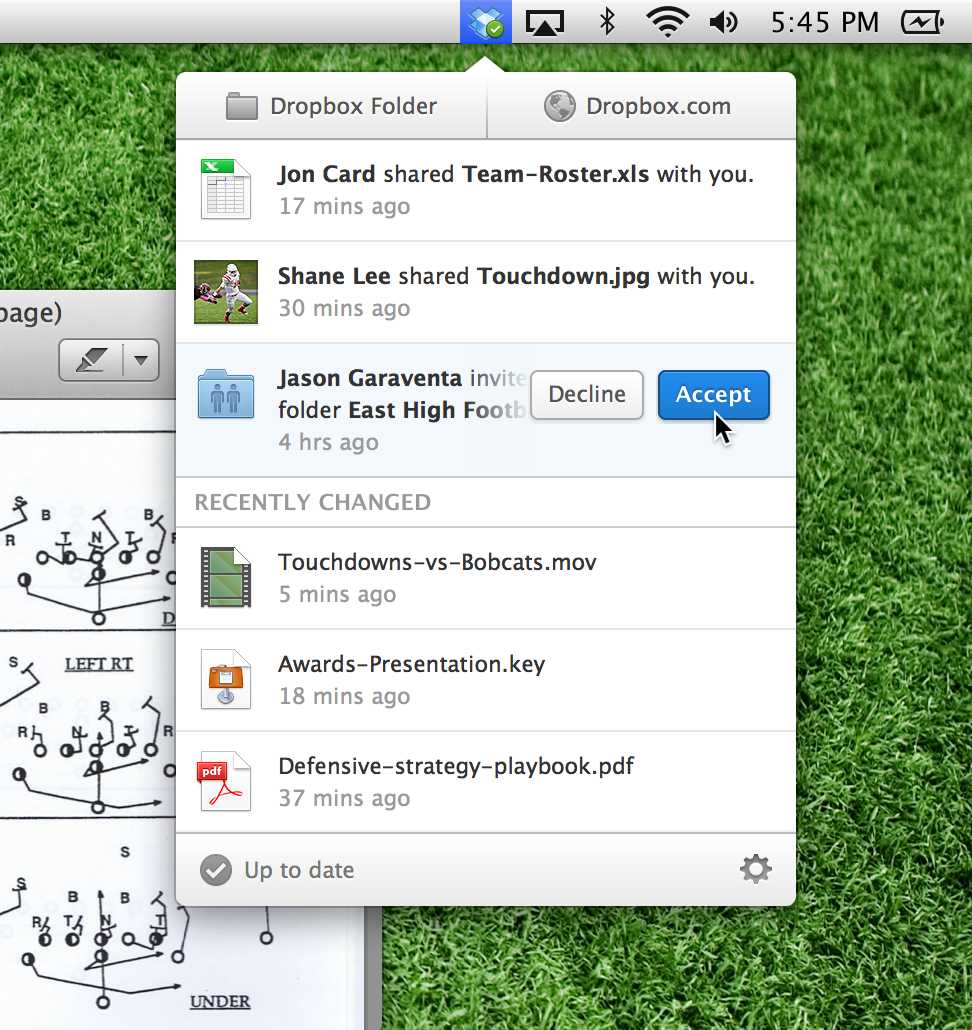
- Set up interactive notifications to accept shared folder invitations without having to launch the Dropbox app
- Enable Windows Hello to use your fingerprint, face, or iris to unlock the Dropbox app, for extra peace of mind
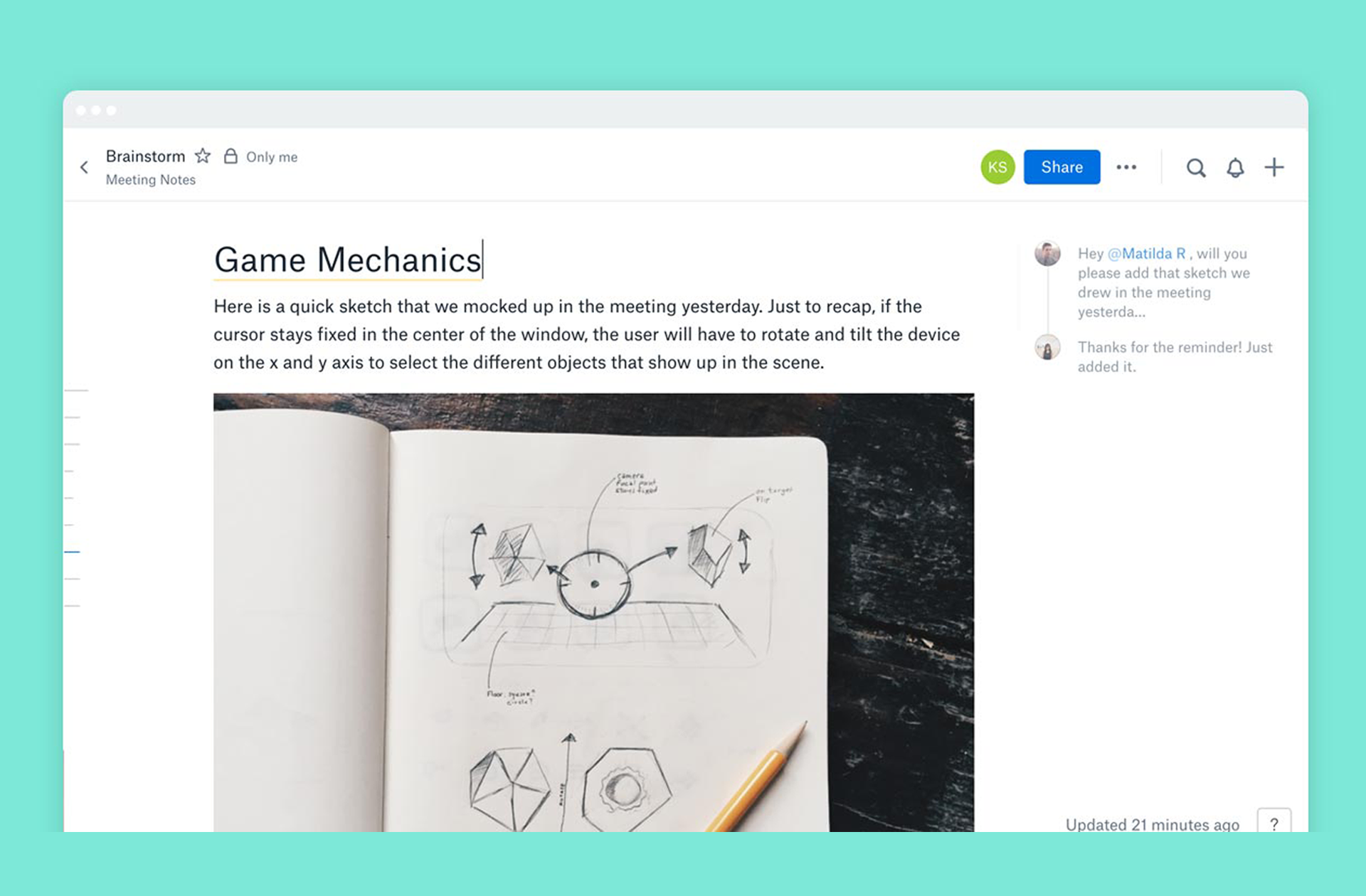
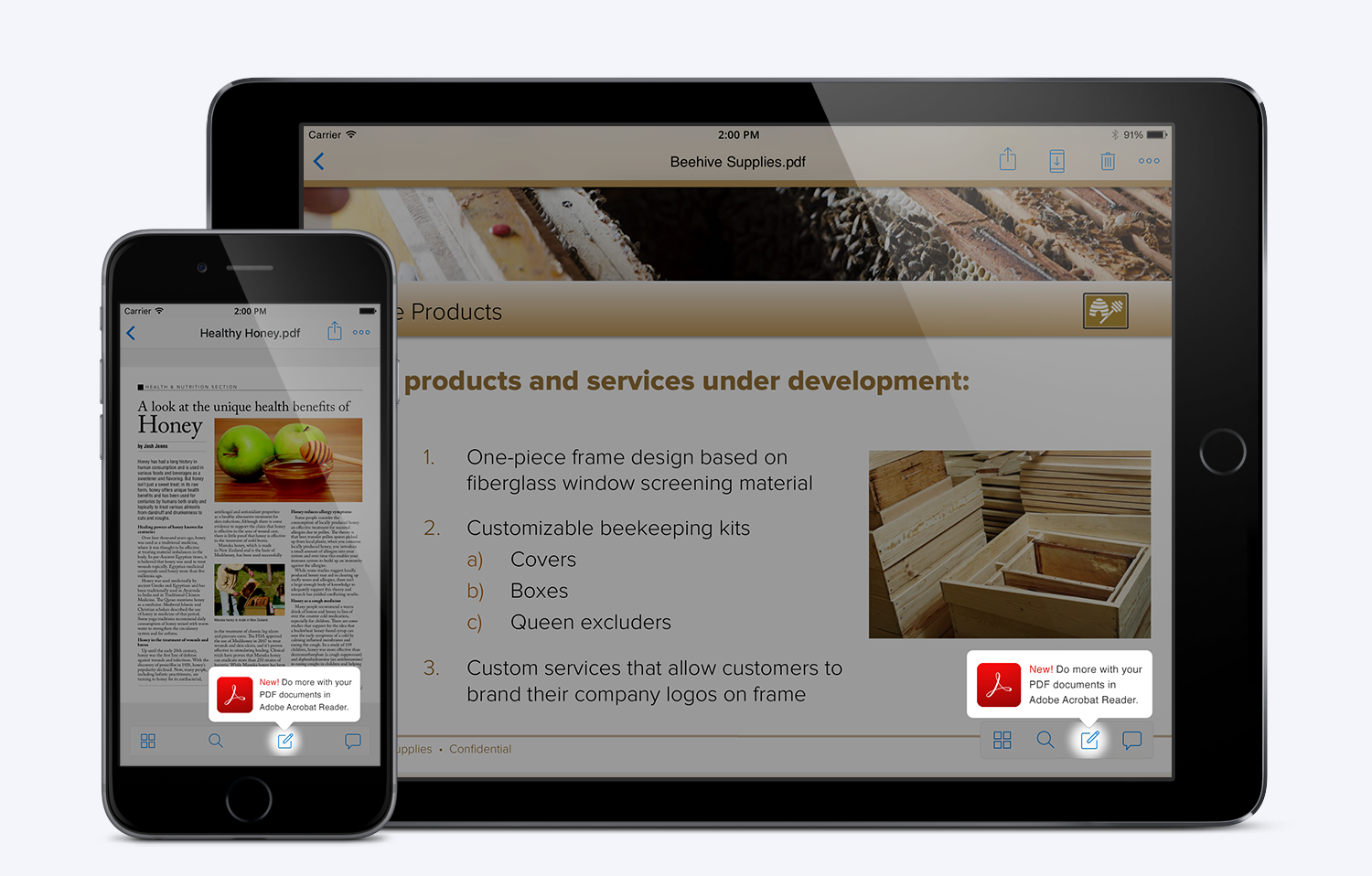
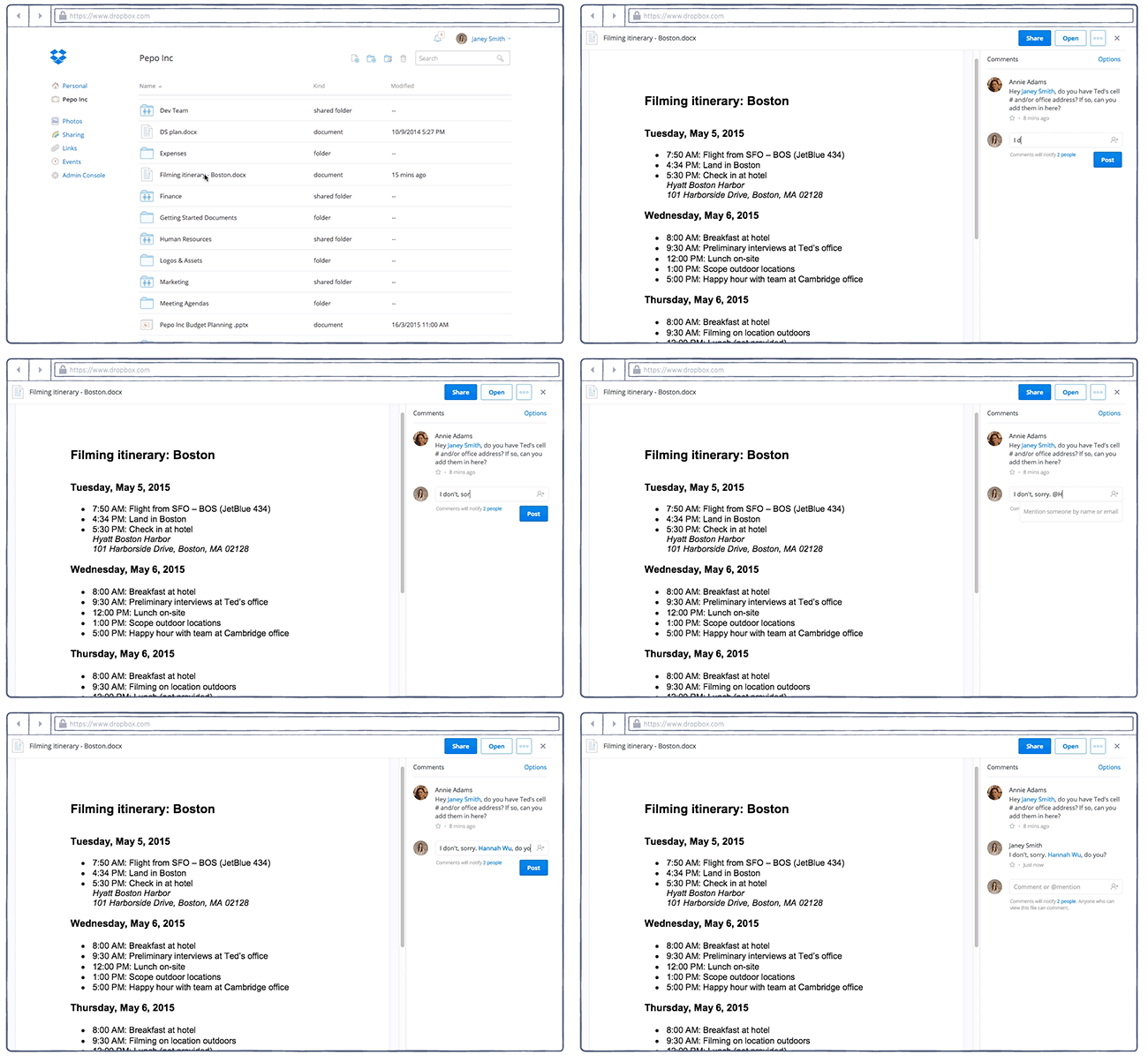
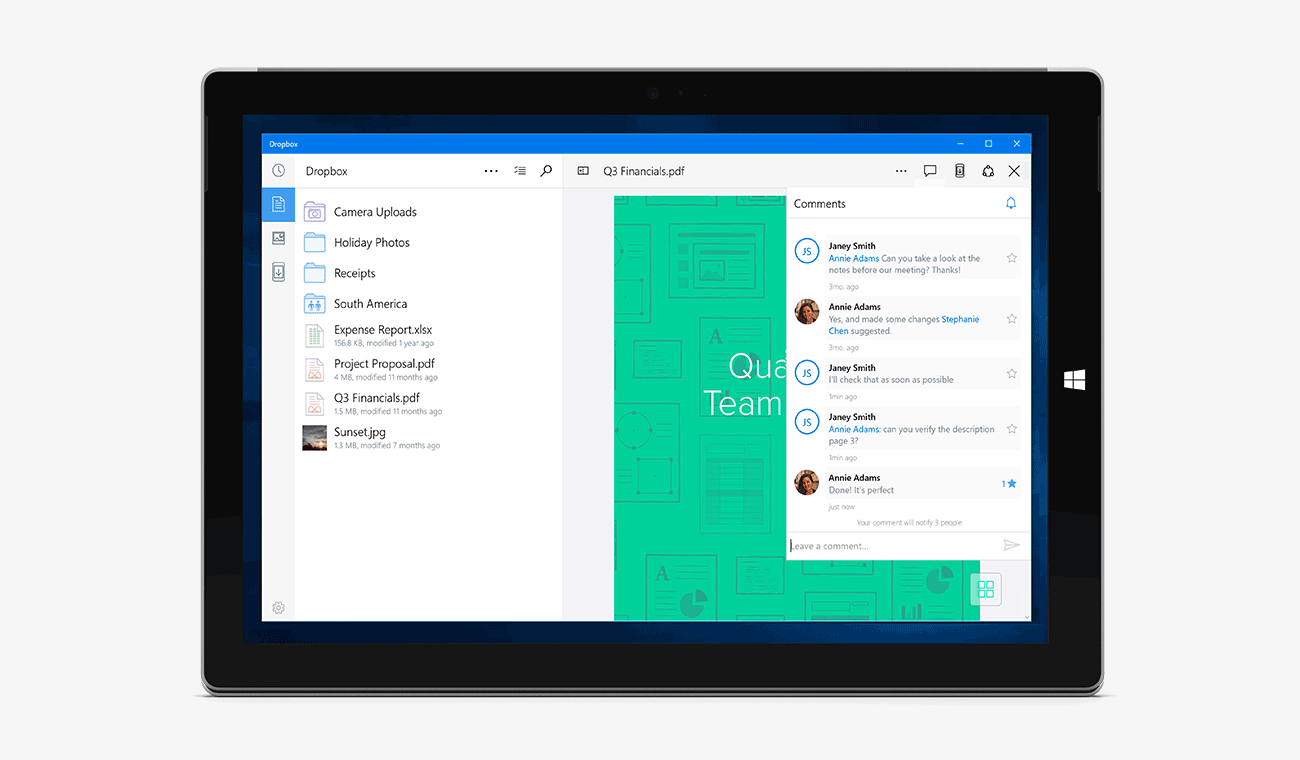
- Add comments directly on your files, and bring others into the discussion with @mentions
- Quickly access recent files using Jump List. All you have to do is right-click the Dropbox app icon in your taskbar
- To try out our Windows 10 app on your tablet, you can download it from the Windows Store in the next few days. If you're using a Windows 10 PC, you can try out these features with the new app or use the Dropbox desktop client. Head over to the Microsoft blog to learn more from Microsoft’s Steve Guggenheimer about our partnership and the new app. We’ll be rolling out the app for Windows 10 Mobile soon, so stay tuned!
The Author